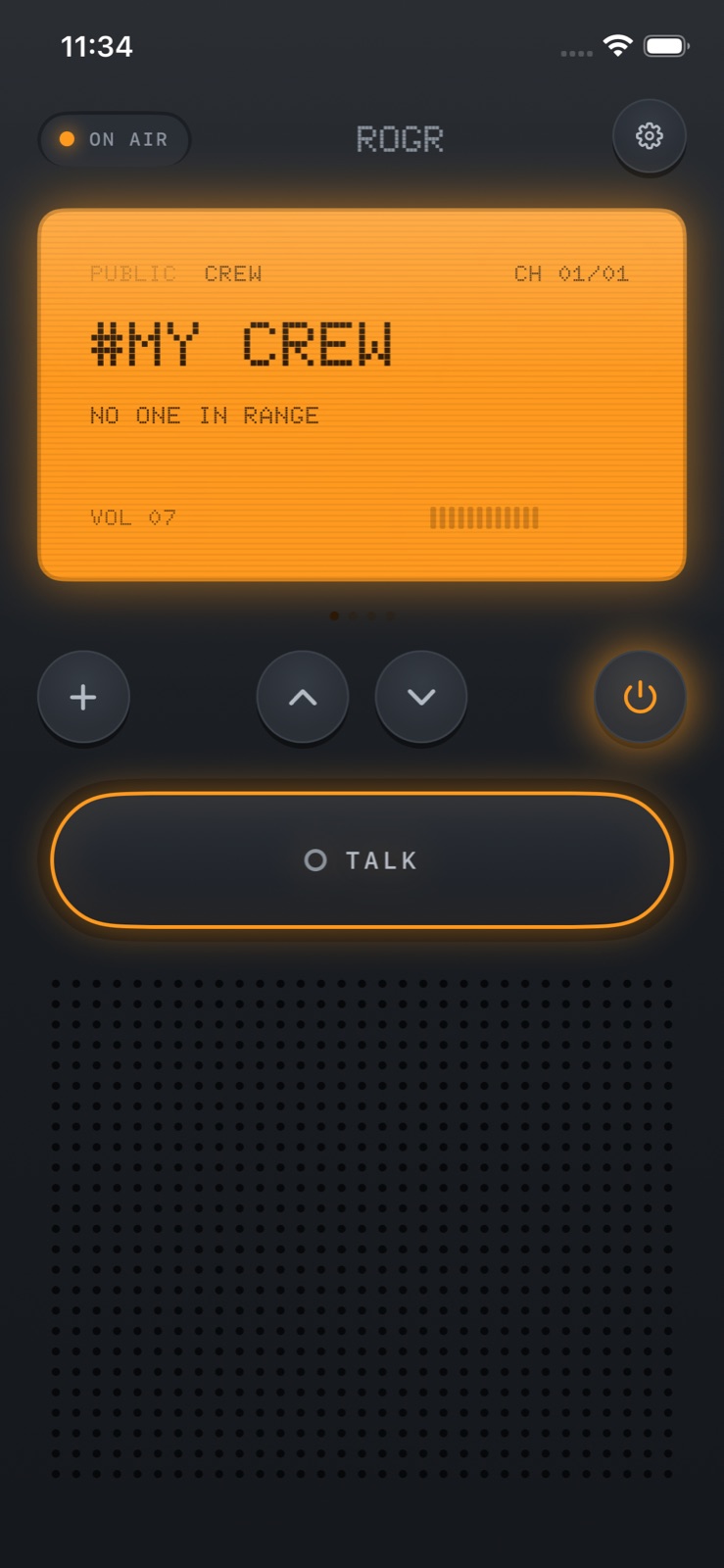
A voice call across a push-to-talk app is only useful if the other person can hear it. When they've wandered out of earshot, turned their ringer down, or separated from the group in a crowd, SOS takes over. Hold the SOS button on Rogr and every phone in your crew sounds an alarm and shows your GPS location — immediately, without any internet connection.
This post explains what SOS does, how location sharing works offline, and how SOS connects to Rogr's Find feature for the people coming to get you.
What happens when you trigger SOS
Hold the SOS button and two things happen simultaneously on every phone in your crew:
- An alarm sounds on all of them.
- Your GPS location appears on their screens.
Your location stays visible until a crew member responds. You don't have to send a follow-up message or stay on the radio — holding the button is the whole action on your end.
This works on any iPhone running the app. There's no minimum hardware requirement for the person triggering SOS.
How GPS sharing works without a network
GPS is a one-way radio system. Your iPhone picks up signals from satellites and uses them to compute its position. That calculation happens entirely on the device; the satellites send, your phone receives, and nothing travels through the internet.
The coordinates Rogr sends to your crew are those locally computed numbers: latitude and longitude. They travel peer-to-peer, over the same Wi-Fi and Bluetooth link Rogr uses for voice — directly from your phone to the others in your crew, encrypted the same way every Rogr transmission is. No server is involved and no internet connection is required.
The one constraint is radio range, which for Rogr is tens of metres: more in open air with clear line of sight, less through walls and crowds. If a crew member is beyond that range when you trigger SOS, the alarm and location data queue on your phone and deliver automatically when radio contact resumes. Rogr keeps undelivered messages until the link comes back; you don't need to trigger SOS again.
Finding you once the crew is alerted
Knowing where someone is and getting to them are two different problems. Rogr's Find feature handles the second one.
At close range — on iPhones 11 and later, excluding SE models — Find uses the Ultra Wideband chip to point a compass arrow directly at a crew member. UWB measures the actual distance between the two phones and accounts for which direction you're facing, so the arrow points the right way even in a crowd where GPS coordinates would only get you within a few metres.
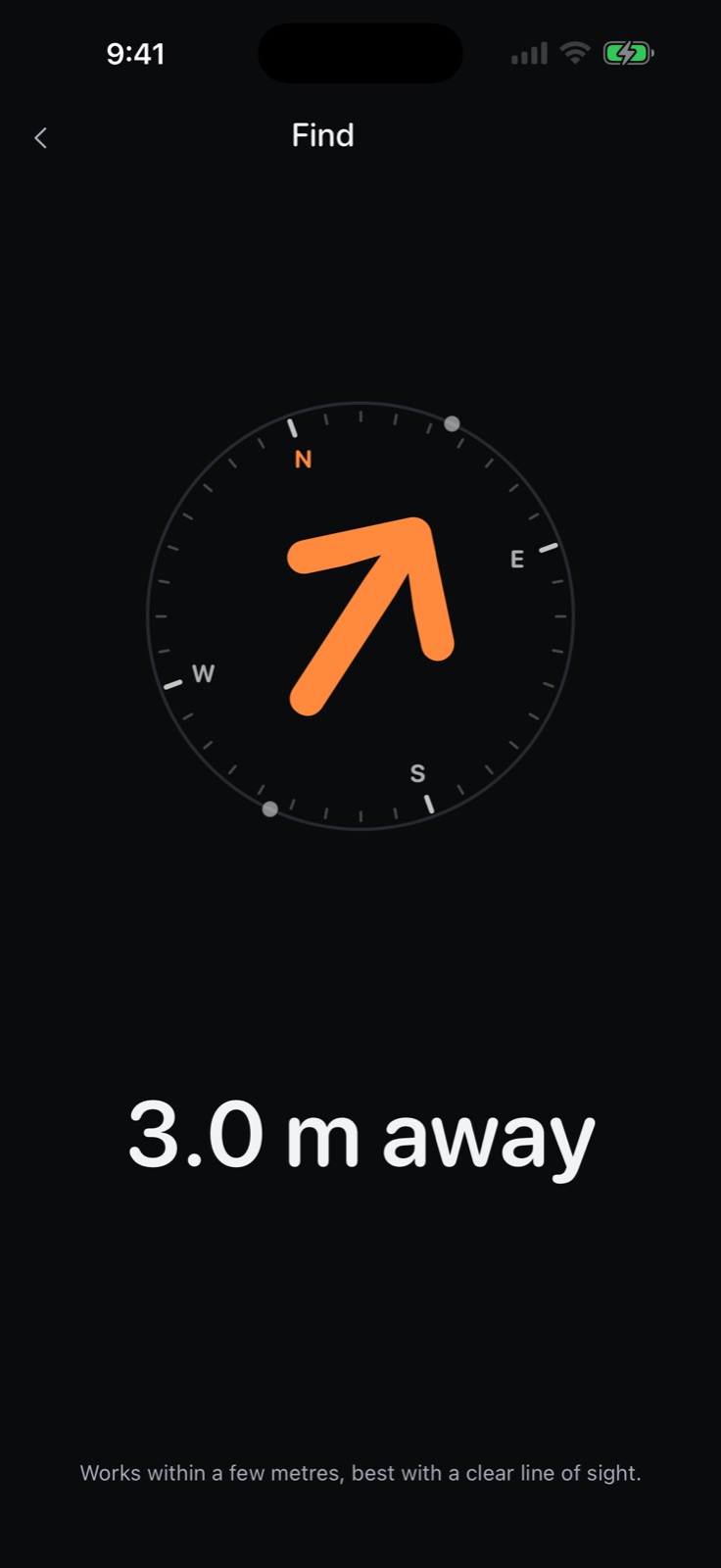 At close range, the UWB arrow points directly at a crew member regardless of which direction you're facing.
At further distances, Find uses GPS sharing instead: a bearing and approximate distance based on your position and theirs. Every compatible iPhone gets GPS-based finding; UWB is an upgrade for the last few metres. SOS gets your crew moving in the right direction, and Find narrows it down once they're close.
SOS is crew-only
SOS sends to your crew — the private encrypted channel you formed by bumping phones or entering a code — and not to Rogr's 16 open channels.
Open channels let anyone nearby with the app talk using only a callsign: no account, no pairing required. They're useful for making contact with people you haven't met. But broadcasting an SOS alarm and GPS location to strangers is a different thing, and Rogr doesn't do it. If you need the 16 channels and your crew at the same time, both run simultaneously; switching to an open channel doesn't disable the crew.
What your crew needs
For SOS to work as described:
- Every crew member needs an iPhone running iOS 17 or later. There's no Android version.
- The person triggering SOS needs location permission granted. Rogr requests this before Find, not separately for SOS, and it explains exactly what the permission is used for before asking.
- Crew members within radio range receive the alarm and location immediately. Those outside range receive it when they come back in range.
- UWB finding for responders needs iPhone 11 or later, excluding SE. GPS-based finding works on any compatible iPhone.
It's worth confirming that everyone's location permission is active before a trip, not mid-emergency. You can check in Settings without triggering anything.
Before you go: the radio check
Rogr's onboarding includes a radio-check step that plays your voice back through your own speaker, so you can confirm audio is working before you need it. Everyone in a crew should go through their own onboarding on their own phone. The radio check is the minimum: it confirms the app is installed, audio is routing correctly, and the speaker volume is adequate.
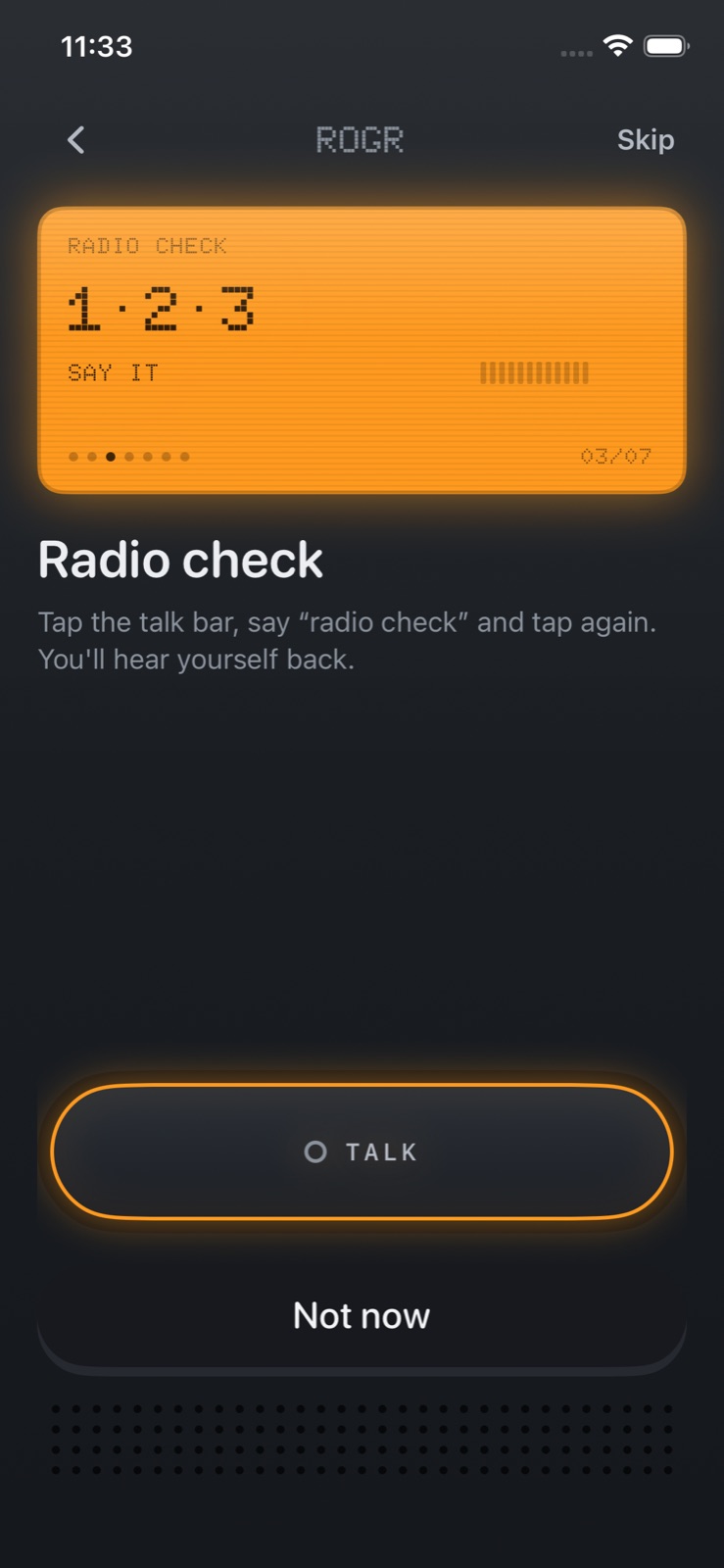 The radio check plays your voice back through your speaker, confirming audio before you leave.
It takes about thirty seconds, and it means you're not doing it for the first time at a trailhead.
Rogr Pro
Every safety feature — SOS, GPS location sharing, crew and open-channel audio, Find, and missed-message delivery — is free. Rogr Pro is a one-time payment of $4.99, not a subscription, and it adds three additional radio shell designs and the Military and Sci-Fi sound packs on every family device.
The Classic shell and Classic sound pack come with the free app. Pro changes how the radio looks and sounds; it doesn't change what it can do.
Range and what Rogr isn't
Rogr is a short-range crew radio, and it's worth being clear about that. Range is tens of metres, and it's lower indoors and in crowds. It's designed for groups that will mostly stay within shouting distance but sometimes separate: a hiking party that spreads out on a trail, a festival group navigating to a meeting point, people skiing on different runs.
It is not a satellite communicator and it makes no satellite connection. If your whole crew is out of mutual radio range for an extended period, SOS can't deliver until one of them comes back. For remote wilderness use where the group might be kilometres apart, a dedicated satellite emergency device is a different tool for a different problem.
For the scenarios Rogr is built for — groups staying roughly together, where the occasional separation is normal — SOS and Find cover the gap cleanly, without any setup, accounts, or monthly fees. More at rogr.xeve.io.