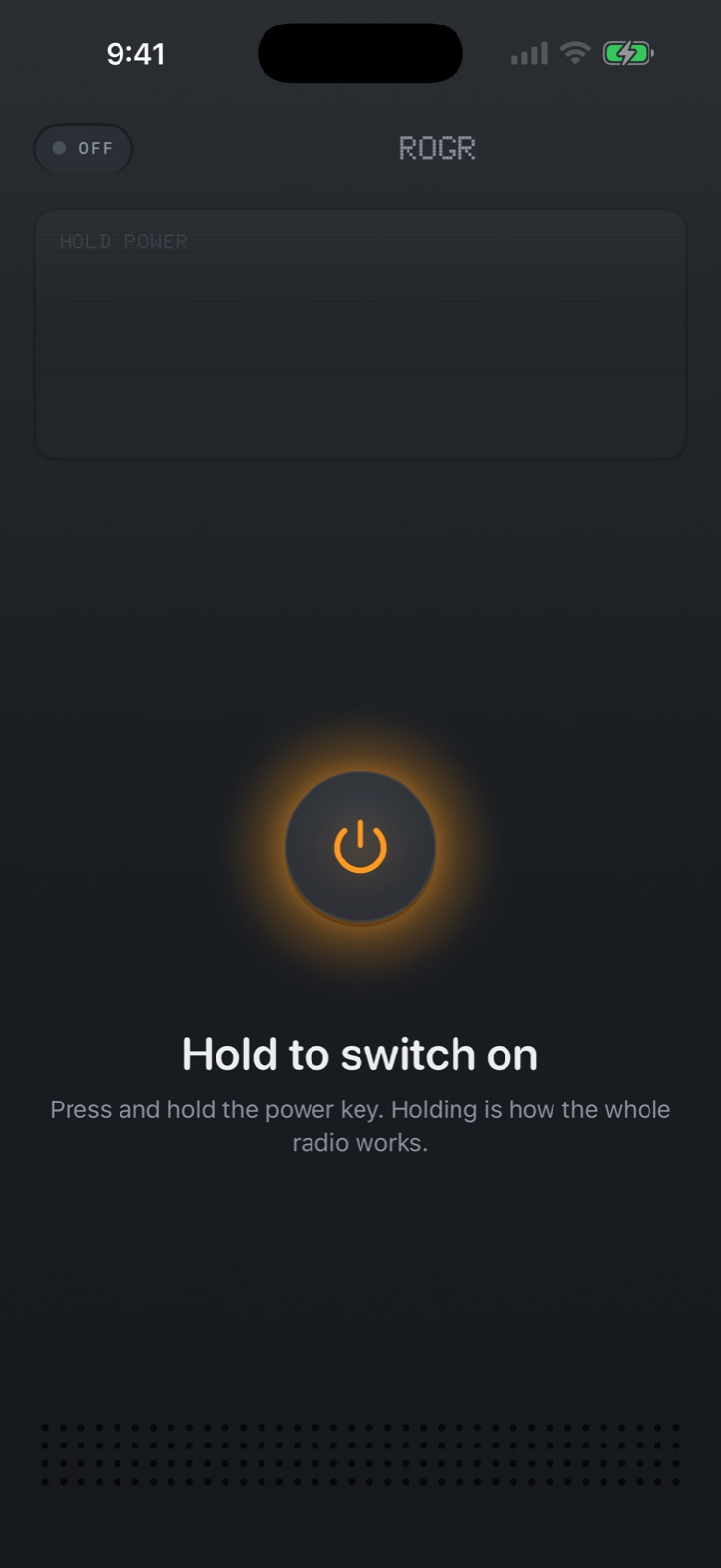
A Rogr crew is a private encrypted voice channel that lives entirely on the iPhones in it. There's no account, no server, no internet — you form it with a bump or a code, and it works wherever the phones can reach each other's radios.
The question that comes up before a group trip is: how does everyone actually join the same channel, and what happens when someone wanders out of range? Those two questions are what this post covers.
Joining a crew
Rogr has three ways to add someone.
Bump-to-pair is the fastest. Hold two iPhones a few centimetres apart, face to face, and tap them together. Rogr detects the proximity and exchanges the crew credential automatically. Both phones join the same crew with no typing and no code to share. It takes two seconds, and it's how you'd add the person standing next to you at the trailhead.
Code pairing works when you can't bump. Rogr generates a short alphanumeric code for your crew. You share that code by whatever means you have — a text the night before, a message in a group chat, or written on a note at the car. Anyone who enters the code on an iPhone running Rogr joins the crew. This is how you add the people you're meeting at the destination rather than driving there with.
Invite links give you a tappable version of the code for people you can still reach before you lose signal. Following the link on an iPhone with Rogr installed opens the app directly into the crew.
Rogr doesn't ask for a name, email, phone number, or any account. Each person picks a callsign when they first open the app, and that's the only identity the system uses.
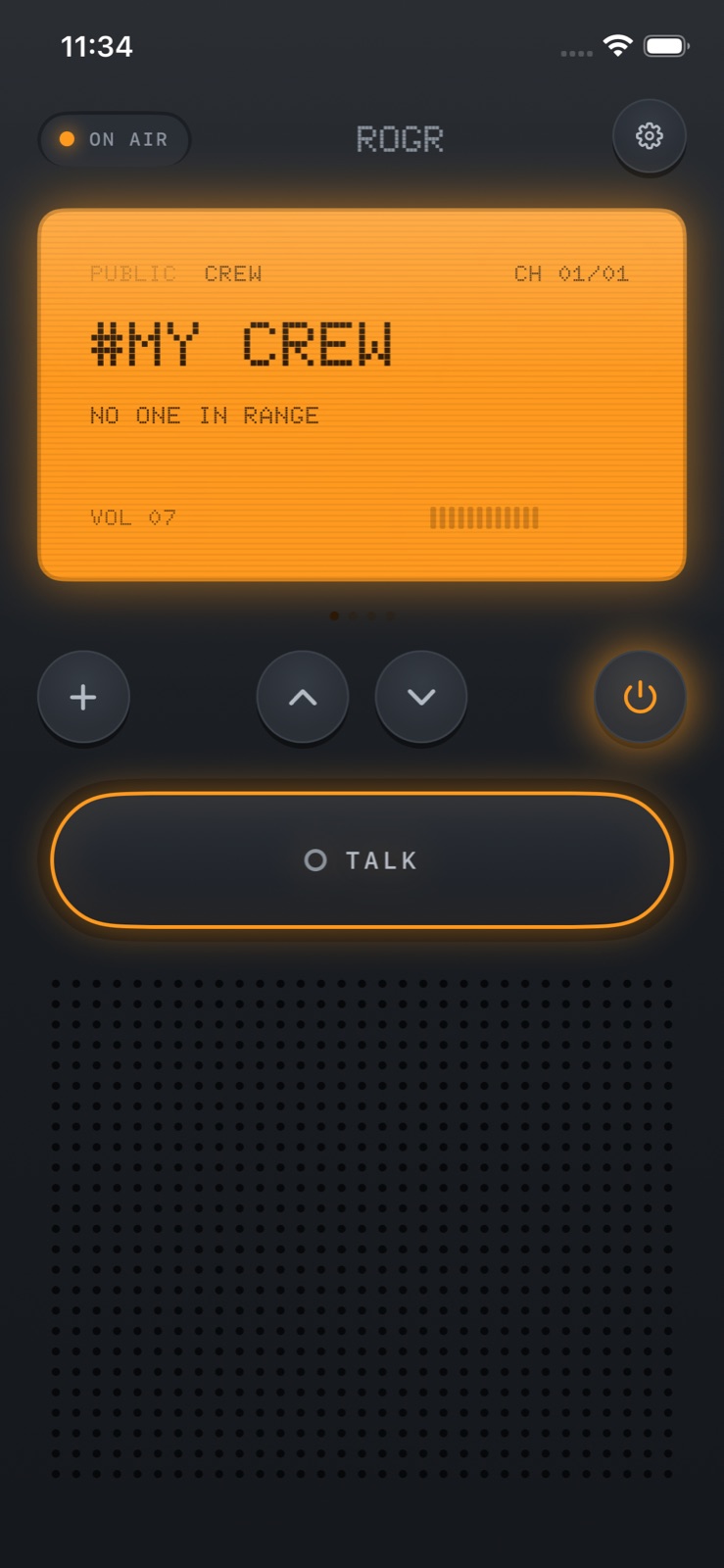 The home screen after a crew is formed. Push the talk bar to speak.
What a crew is, technically
Once paired, a crew is an end-to-end encrypted voice channel. The encryption uses a per-session key — a new key each time the crew reconnects. No server holds that key, because there's no server. Voice, position data, and messages all travel peer-to-peer, directly between the phones, using the same Wi-Fi and Bluetooth radios that AirDrop uses.
This is different from most walkie-talkie apps, which route your audio to a cloud server and back down to the other device. In Rogr, the audio never leaves the crew. There's no server to go down, no third-party service with access to your voice.
The connection is the phone-to-phone radio link. When two crew phones are within range, the channel is up. When they separate beyond range, the channel isn't down — it's suspended, and it resumes automatically when they're close enough again.
When someone goes out of range
Rogr's radio range is tens of metres — more in open air with a clear line of sight, less through walls and crowds. At a festival or a trailhead where a group spreads out, going out of range is normal.
When a crew member drifts beyond radio contact, any messages sent during that time are queued. When they come back into range, those messages are delivered automatically. The sender doesn't need to resend, and the receiving phone doesn't need to do anything. The queue is held on the sending device; when the radio link comes back, it flushes.
This works entirely on-device. There's no server holding the queue, no internet needed for delivery. The phones maintain the state of what was said and who received it.
Location: crew-only and opt-in
Rogr uses location for its Find feature — a compass arrow pointing at a crew member, powered by Ultra Wideband at close range on iPhones 11 and later, and GPS further out. Using Find is optional, and location is only ever shared with people in your crew.
Before asking for the permission, Rogr shows exactly what it uses location for: direction and distance to crewmates, nothing else. The app has no analytics library, no ads, and nothing is routed through a server. Enabling location sharing doesn't mean your position goes anywhere beyond the other iPhones in your crew.
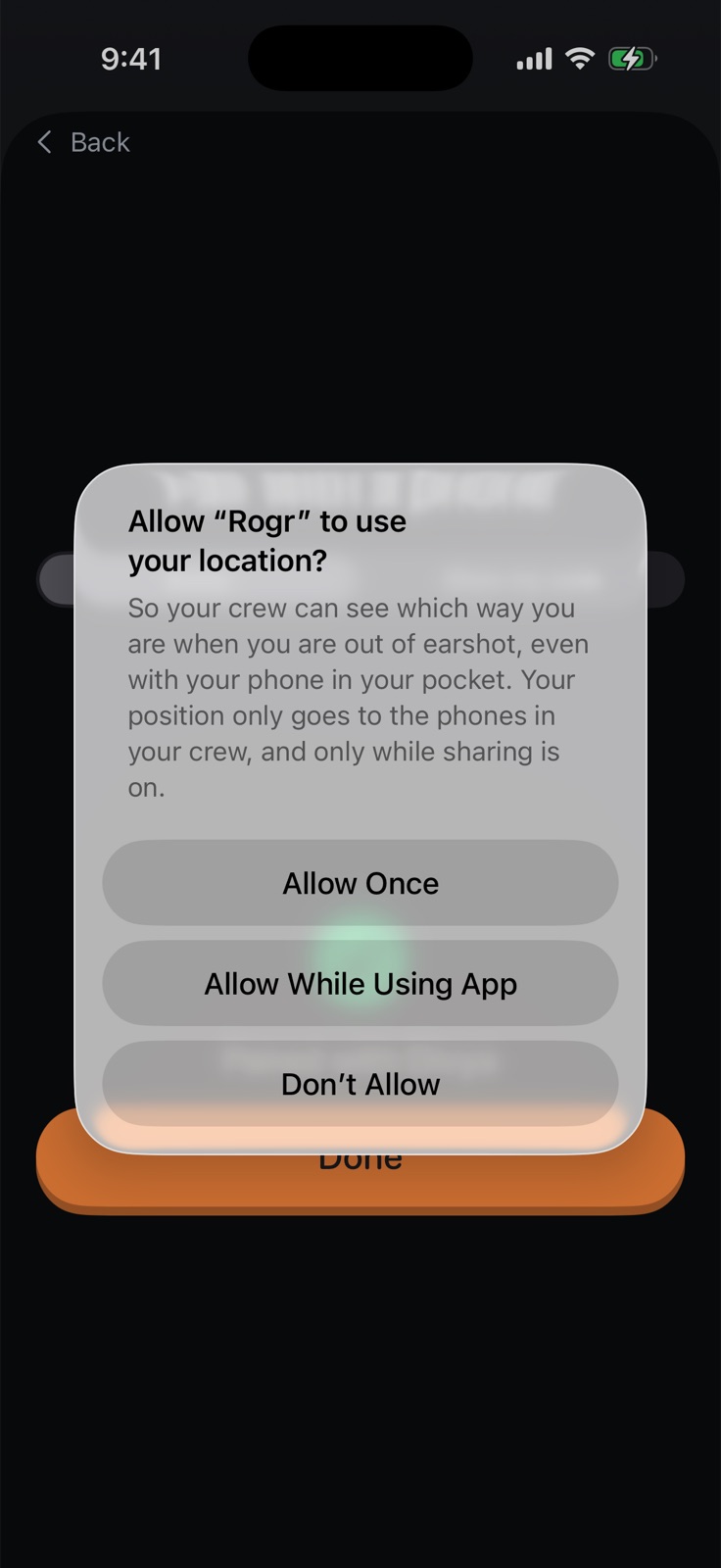 Rogr explains the location permission before it asks.
You can run a crew without enabling location at all. Talking, receiving queued messages, and SOS — the alarm that sounds on all crew phones and shares your position if you hold the button — still work. Find is optional.
Crews vs. open channels
Rogr also has 16 open channels. These are more like CB radio: anyone nearby with the app can hear and speak on any of the 16, with no pairing required. Strangers appear with a callsign only, and anyone can mute any caller. Audio only — nothing is stored, no video, no text.
Crews and open channels can run at the same time. You don't leave one to use the other.
If you're coordinating your own group, a crew is what you want: private, encrypted, and locked to the people you paired with. Open channels are for talking to people you haven't met but happen to be near.
Rogr Pro
Every feature described here — talking, crewing, finding, SOS, open channels — is free. Rogr Pro costs $4.99 once, not a subscription, and adds three additional radio shells (different visual styles for the radio interface) and the Military and Sci-Fi sound packs on every family device. The Classic shell and Classic sound pack come with the free app.
There's no feature behind a paywall. The price difference is how the radio looks and sounds.
Before you rely on it
A few things worth confirming before a trip:
- Everyone needs an iPhone running iOS 17 or later. There's no Android version.
- Range is tens of metres. More in the open, less indoors and in crowds.
- UWB finding needs iPhone 11 or later, excluding SE models. GPS-only finding works on any compatible iPhone.
- Rogr is coming soon to the App Store; it's in a pre-release state.
More at rogr.xeve.io.