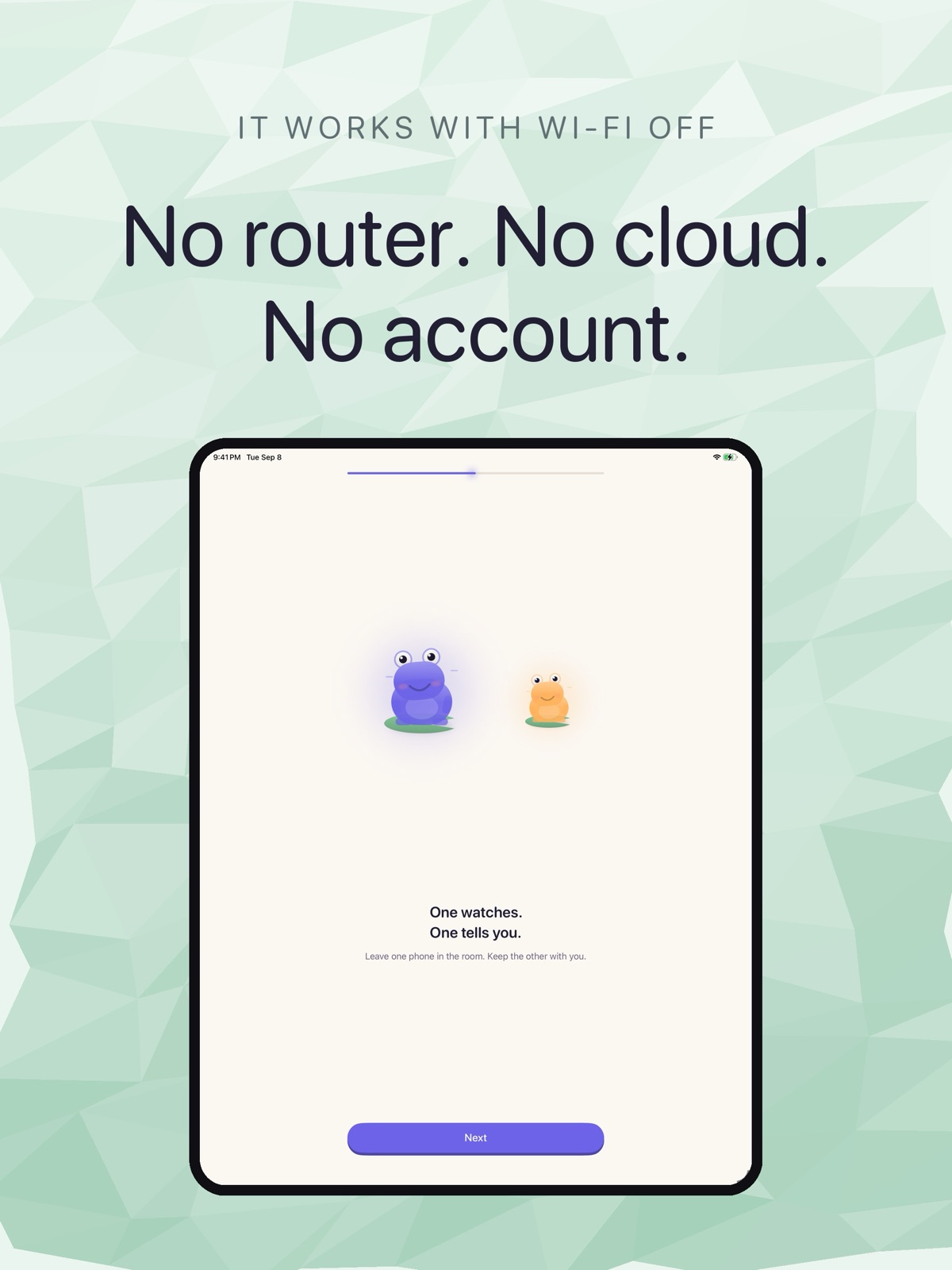
Yes, and a spare iPhone is well-suited to it. Cribbit turns two iOS devices into a baby monitor: one stays in the nursery as the camera, the other stays with you as the parent screen. Any iPhone or iPad running iOS 17 or later can play either role.
The appeal is straightforward. Rather than buying a dedicated baby monitor, you put a device that is already sitting in a drawer to work. And because live video, audio and alerts are free, there is no cost to try it.
What the nursery phone needs
The minimum is iOS or iPadOS 17 or later and room for one app.
You will want to keep it plugged in. The nursery device needs to stay awake with Cribbit running for video, because iOS does not allow apps to use the iPhone camera in the background — that is a platform rule, not an app limitation, and no iOS baby monitor app can get around it. Audio continues with the phone locked; video requires the screen to stay active. If your spare iPhone lives permanently on a charger, that is exactly the right setup for a nursery camera.
Old iPhones that have developed battery issues often need to stay plugged in anyway. That constraint turns into a feature here: a device that cannot hold a charge through a day is still perfectly useful when it never needs to.
What you get from iPhone 12 and iOS 26
If the spare device is an iPhone 12 or later and it can run iOS 26, the two devices connect via Wi-Fi Aware — the same peer-to-peer radio AirDrop uses. The video travels directly from the nursery phone's camera to your screen without touching a router. Nothing leaves your home.
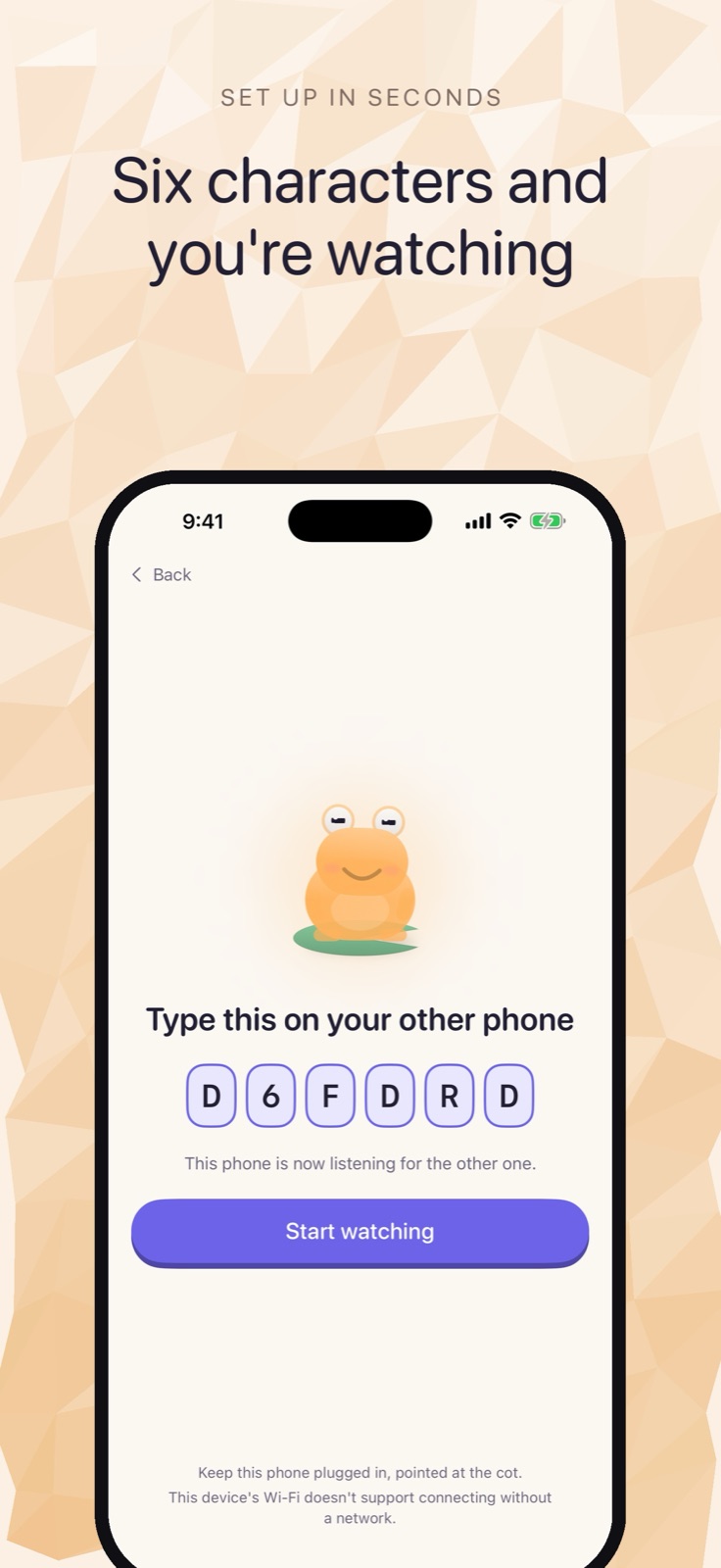 Setup is a six-character code, no account required.
If the device runs an earlier iOS, Cribbit uses your home Wi-Fi network instead, still without an internet connection. The feed stays on your local network either way. The direct Wi-Fi Aware path is faster to set up and needs one fewer moving part, but the local Wi-Fi fallback works just as well for day-to-day monitoring.
Pairing takes about a minute
Open Cribbit on both devices. The app shows a six-character code on one screen; type it into the other. That is the whole pairing process. After the first pairing the devices recognize each other and reject anything else presenting the same code.
There is no account to create, no password to remember, and no server to log into. The video and audio travel between the two devices encrypted with a key that exists only for that session — generated when you pair, gone when you close the app. Because there is no server, there is no server to breach and no credentials to phish or reuse.
Cry detection without sending audio anywhere
Cry detection runs on the nursery phone using a sound classification model that ships with iOS. The audio never leaves the device.
Cribbit does not alert on any loud noise. The app learns what quiet sounds like in that specific room — a fan, a white-noise machine, whatever the ambient is — and waits for something that breaks the baseline in a way a cry would, and sustains it. A hallway door closing or a dog barking does not trigger it.
There is a subtler piece of the detection as well. Every frame the nursery phone sends carries its capture timestamp. The parent device is not just playing back video; it is checking whether those timestamps are advancing. If they stop, the status changes from Live to Stalled. The difference between a stalled feed and a live feed is visible. A frozen image that looks like a sleeping baby is the failure mode Cribbit is specifically built to surface.
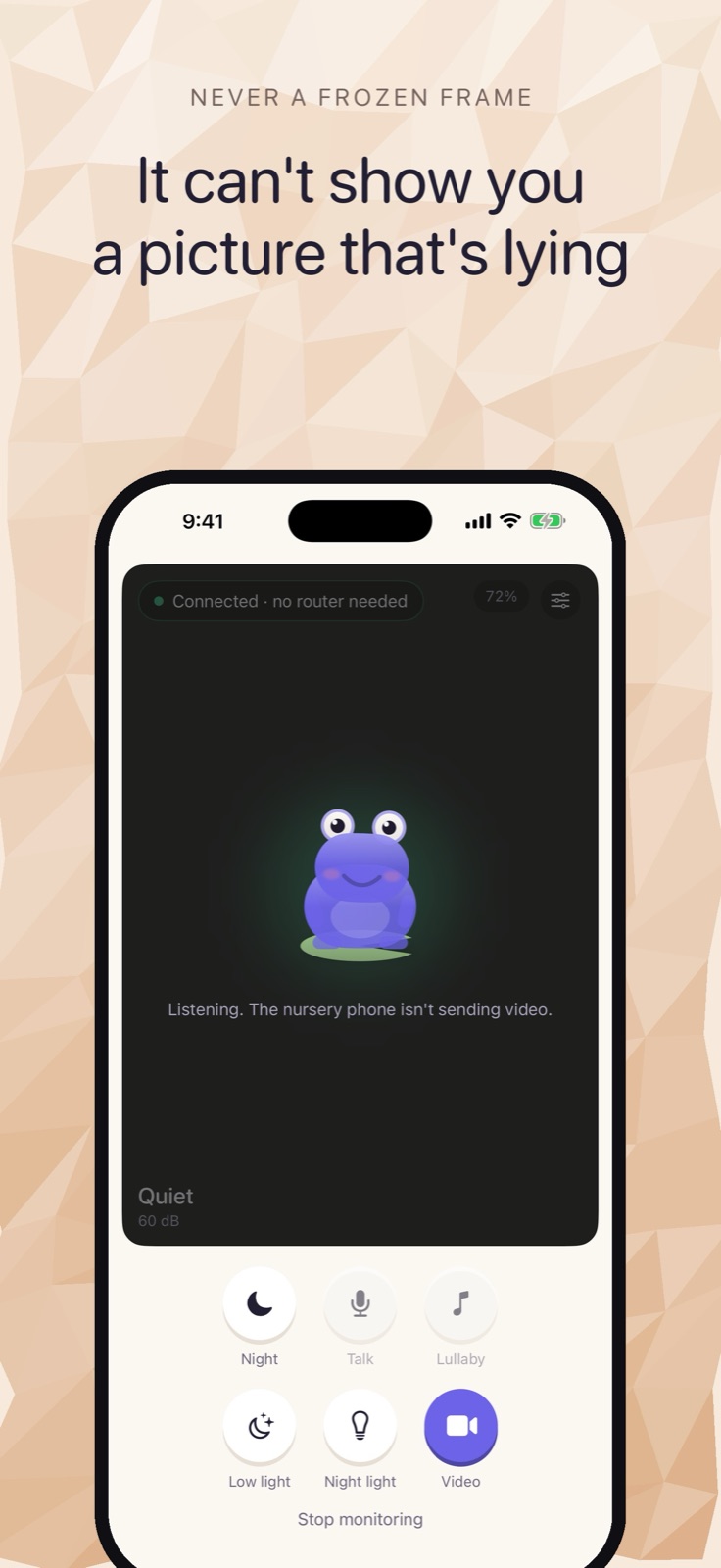 The parent monitor shows Live, Stalled or Lost, so a frozen frame is obvious rather than invisible.
What is free and what costs extra
Live video, live audio, and all cry detection alerts are free. A single one-time unlock — not a subscription — adds background listening so you can hear the nursery with your screen off, Picture in Picture so the feed stays visible while you use other apps, talk-back so you can speak into the room from the parent device, and lullabies for every device in the family.
The core monitoring experience, the one most people need most of the time, costs nothing.
Planning the setup
The nursery phone needs to stay awake and plugged in for video. The practical answer most people land on is to treat the spare iPhone the way you would treat a dedicated nursery camera: set it on a shelf or in a holder pointing at the crib, plug it in, and leave Cribbit running. An old iPhone permanently on charge in the nursery does exactly what a purpose-built baby camera does, without the separate purchase and without a cloud account that connects your nursery to an external server.
For anyone already holding a spare iPhone they were not sure what to do with, it is worth trying before buying anything else.
Cribbit is in TestFlight beta. Both devices need iOS or iPadOS 17 or later, and the direct Wi-Fi Aware connection — without a router — requires iPhone 12 or later on iOS 26.