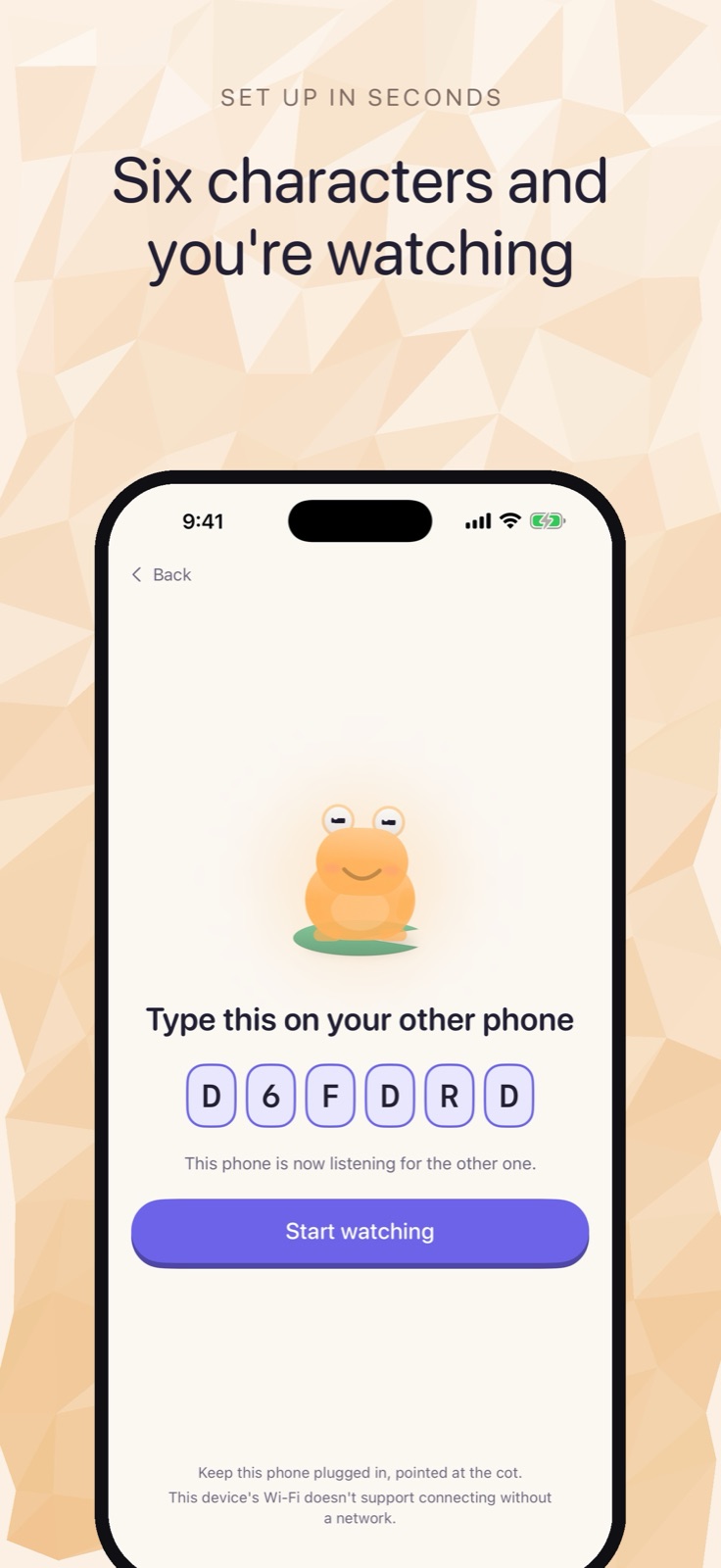
Two iPhones running Cribbit find each other and begin streaming audio and video without touching a router, a cloud server, or a mobile data connection. That is possible because of Wi-Fi Aware — a peer-to-peer protocol that ships on every iPhone 12 and later running iOS 26, but that requires an Apple entitlement to use from a third-party app. Getting that entitlement, and building the fallback for hardware that doesn't qualify, was most of the work in Cribbit's connection layer.
The question that found Wi-Fi Aware
The first prompt for Cribbit was specific about what the app should avoid:
I want to create a baby monitor app for ios devices , should work on bth ipad and iphones , one will be transmitter and one will be reciever , will be great if it can work offline using adhoc wifi networks or wifi without internet or something else that ios provides if there is any use any skills we have if you ewant for the design and planning and building also , no user account needed , no cloud servers, everything should work offline itself, see if there are other products out there like this if you want , do a full research before starting work
Three constraints shaped everything that followed: no server, no account, and genuine offline operation rather than a cloud relay. The research that came back named Wi-Fi Aware — Apple's implementation of IEEE 802.11 Neighbor Awareness Networking, the same radio stack AirDrop uses to find nearby devices. Two iPhones can locate each other and exchange data directly, with no router brokering the packets. Pairing, audio, and the video pipeline were all built on top of it.
Wi-Fi Aware handles the case where both phones are in the same room and there is no network at all — no router in the nursery, no home Wi-Fi configured, no internet reachable. The two phones still find each other and stream.
Getting the entitlement
Wi-Fi Aware is not open to any app that asks. Apple issues a special entitlement for it, and without that entitlement the relevant APIs return an authorization failure at runtime. Using it means shipping an app that behaves differently depending on whether the entitlement was granted.
The prompt that kicked this work off came the morning after the core app was running:
ok lets start with wifi aware entiltlement, what i need to do
The answer was a checklist: a specific capability string in the entitlements file, a justification letter to Apple explaining the use case, and a request through the developer portal that takes time to process. The app can be written and tested against a simulator without the entitlement, but the Wi-Fi Aware path only runs on real hardware once Apple has approved it. During early development, the fallback path was the only one that actually exercised.
This is a constraint that shapes testing throughout the project. You cannot validate the router-free path in a simulator or on hardware that hasn't been provisioned with the entitlement. The testing has to happen on the real devices, in the real configuration, where the entitlement is present.
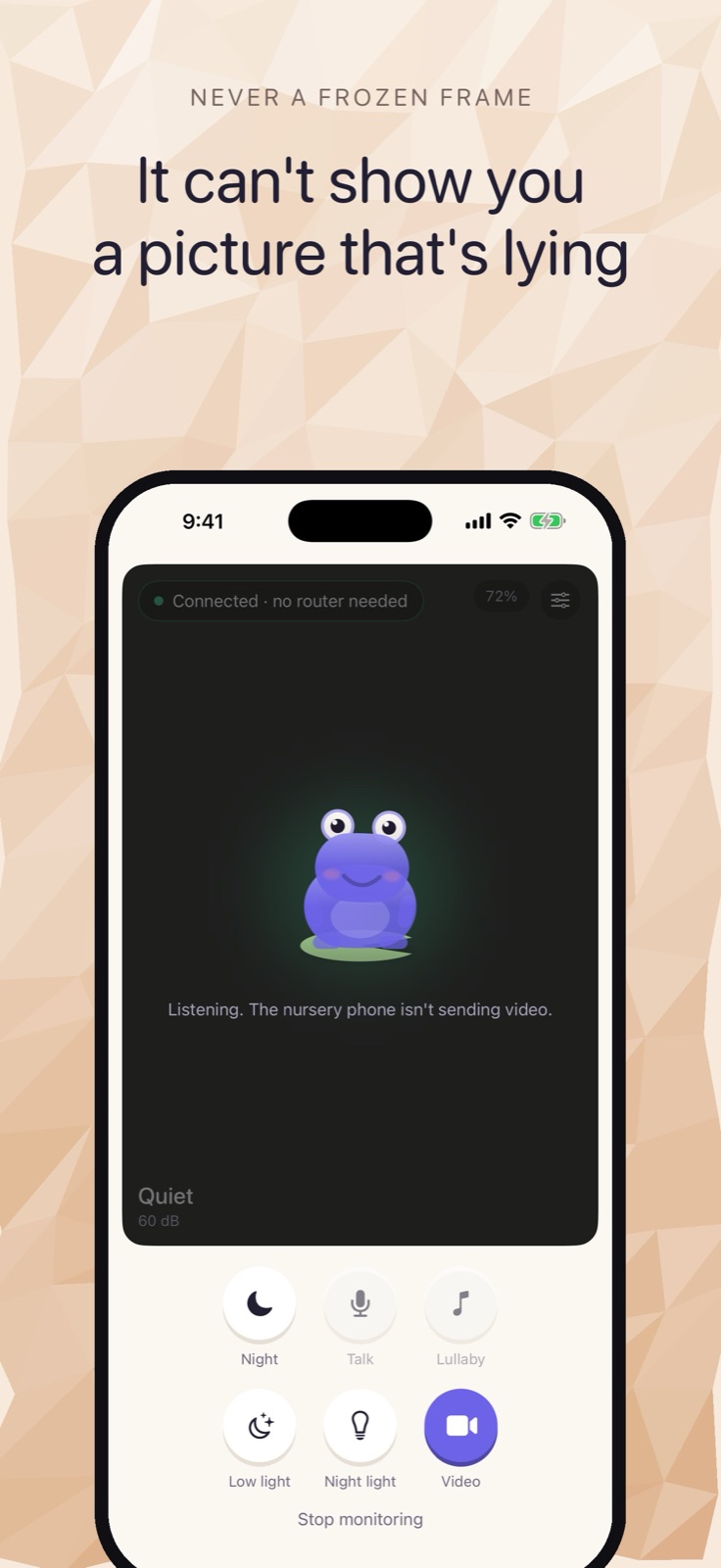 The parent monitor once connected. Battery level, signal strength and camera aim are expressed through the frog rather than listed as separate readouts.
The fallback that covers everything else
Before the entitlement came through, and for devices that don't meet the iOS 26 requirement, a second path was needed. This prompt framed the question:
Ok apart fromw wifi aware , will it also work if its in wifi network anywhere in the house / or do both phones needs to be close toegether or something ?
The answer was that Bonjour — the local network discovery protocol iOS has had for years — works fine on a home network. Both phones on the same Wi-Fi can find each other and connect without going through the internet. The stream stays on the local network, never leaving the home's router. The constraint is that both devices need to be on the same network; a phone that has left the house onto cellular cannot reach a device still on home Wi-Fi.
So the architecture ended up with two paths: Wi-Fi Aware for the direct case (same room, possibly no network at all), and Bonjour-over-home-Wi-Fi for the rest. With the home-Wi-Fi fallback, range is whatever your router covers — any room in the house. On supported hardware, the app uses whichever path is available; on older devices or earlier iOS versions, only the Wi-Fi path runs.
Separating media from alerts
One decision made during the Wi-Fi Aware work turned out to matter more than it looked. A nursery monitor has two very different kinds of traffic: video is high-bandwidth and can tolerate dropped frames, while cry alerts are low-bandwidth and must never be delayed by congestion. Running both over a single channel means that a congested connection — a thick wall, interference, distance — can delay or drop an alert notification while the video stream continues.
The solution was to put media on its own unreliable channel — a path that drops frames under congestion rather than queuing them — while keeping alerts on a separate reliable channel. The two channels degrade independently. A frozen frame is one kind of problem; a missed cry notification is a different kind, and the architecture makes sure congestion can't cause both at once.
Every frame carries its capture timestamp. The monitor compares that timestamp to the current time and reports the feed as Live, Stalled or Lost rather than waiting for a connection timeout. Stalled means the stream is running but old; Lost means it stopped entirely. That distinction matters in a dark nursery, where a frozen frame looks identical to a live one.
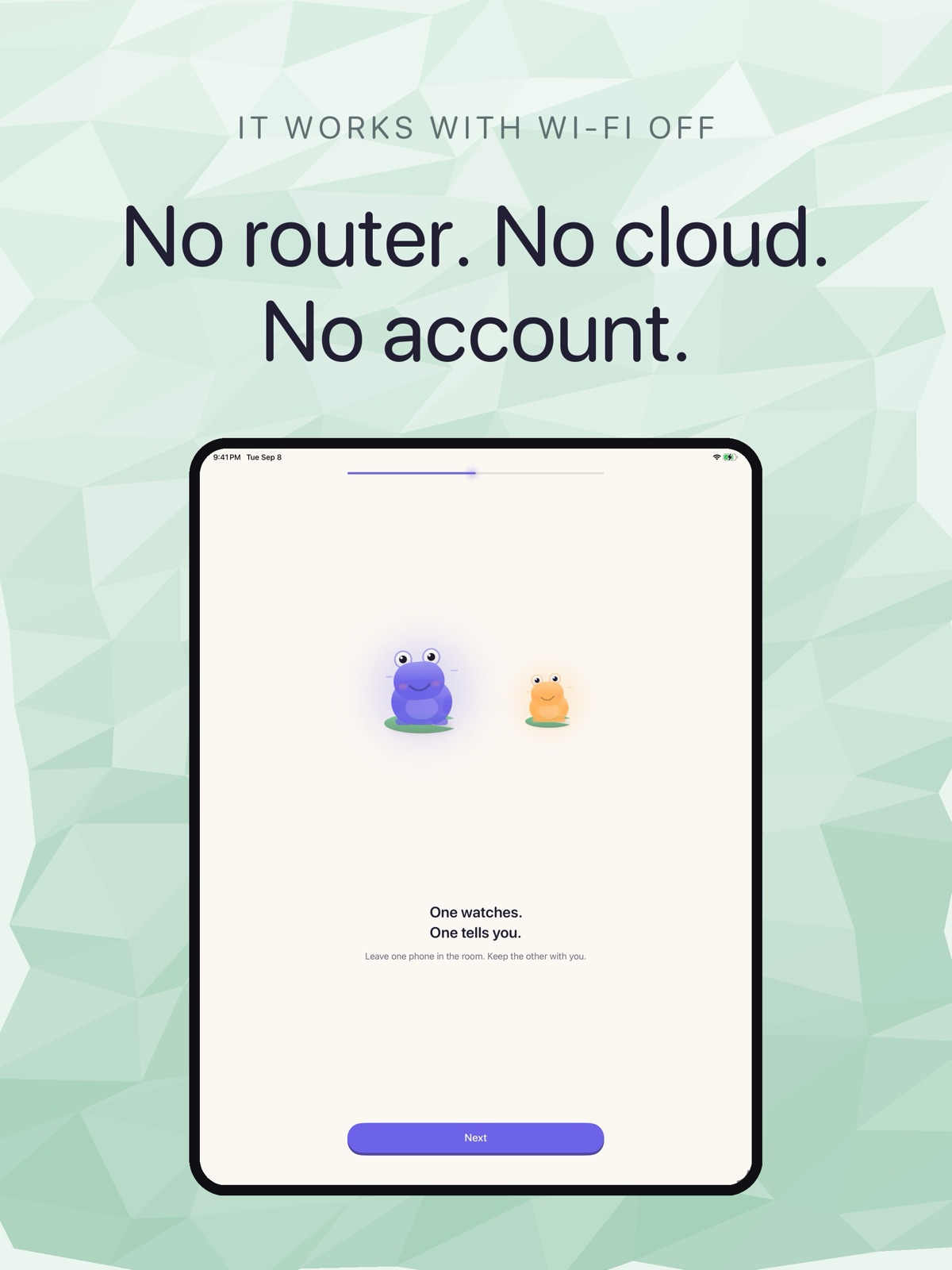 The iPad onboarding screen, headed "No router. No cloud. No account."
What this means in practice
A monitor built on a direct radio is a different object from one that routes through the cloud. The connection belongs to the two devices. When both phones are on different networks — one at home, one on cellular — the feed stops. There is no fallback routing through mobile data, because the design doesn't have one. The onboarding makes this clear: Cribbit is for when you're home, not for checking in from across town.
That is a real limit, and the trade-off is deliberate. A cloud-routed monitor can follow you anywhere; it also means the nursery stream passes through a server neither you nor Cribbit controls. The design here trades remote access for a connection that doesn't depend on any third party staying running.
Cribbit is in TestFlight beta. It requires iOS or iPadOS 17 or later on two devices. The Wi-Fi Aware path requires iPhone 12 or later running iOS 26.