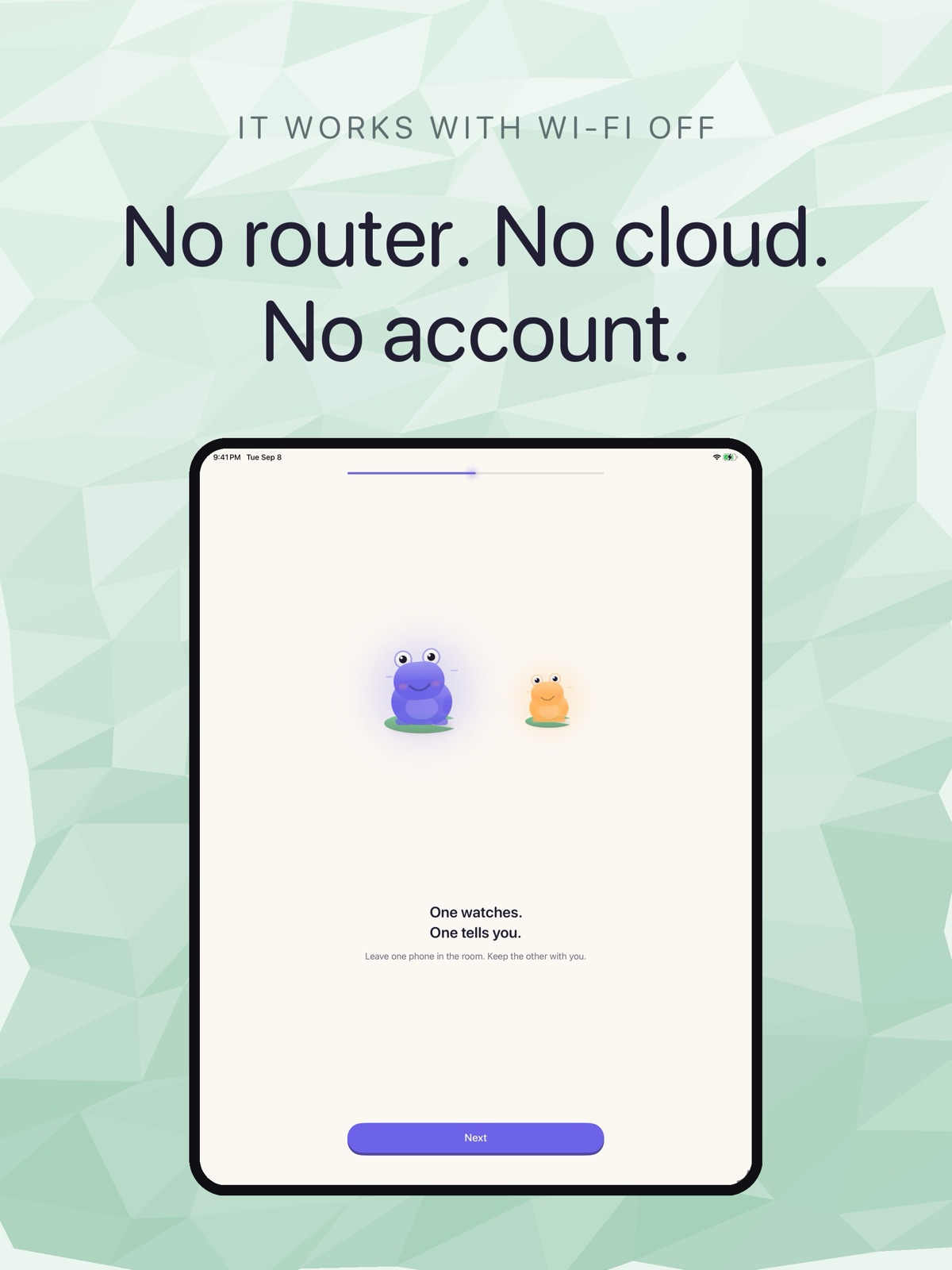
Yes. Cribbit is a baby monitor app that works on both iPhone and iPad, and any combination of the two is valid. An iPad in the nursery, an iPhone in your pocket. Two iPhones. Two iPads. The nursery role and the parent role aren't tied to a device type.
If you have an older iPad collecting dust and an iPhone that goes everywhere with you, you already have everything you need.
Which device goes where
In Cribbit, one device acts as the nursery camera and the other acts as the parent monitor. Either device can play either role — you choose during setup. An iPad in the nursery has a few practical advantages: it sits flat or stands steadily in a dock without needing a prop, the larger form factor is easy to prop against a wall or rest on a stand, and an old iPad that lives in the nursery permanently doesn't take your phone off you during monitoring.
The parent side is usually an iPhone, since you're more likely to have it in your pocket. But the app doesn't care — an iPad on the kitchen counter watching an iPhone in the nursery is just as valid.
Both devices need iOS or iPadOS 17 or later.
Setting up
Pairing is a single step: open Cribbit on both devices, tap the role for each one, and enter the six-character code shown on the nursery device into the other. Nothing goes to a server. There's no account to create, no Wi-Fi password to type into the app, and no configuration on your router.
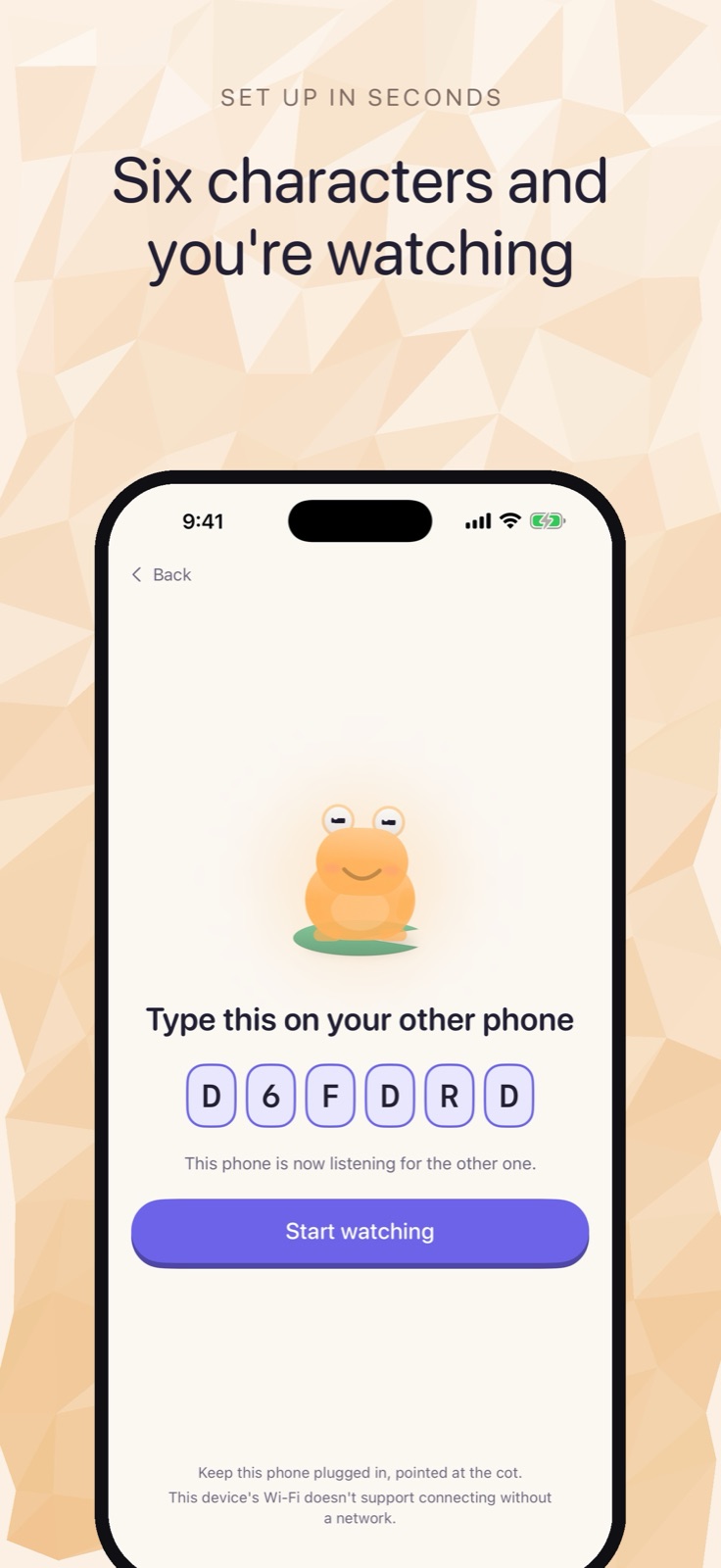
Pairing takes one step: type the code shown on the nursery device into the parent device.
The connection
Cribbit connects the two devices over your home Wi-Fi without using the internet. The video and audio travel between them, not through any cloud server. The stream is encrypted with a per-session key generated on the devices themselves.
On two iPhones running iOS 26 on iPhone 12 or later, the connection can go a step further: Wi-Fi Aware, which is the same direct-radio technology AirDrop uses. In that configuration, the two phones connect without a router at all. With an iPad involved, or on older iPhones, the connection uses home Wi-Fi, which still means no cloud and no internet.
What the parent screen shows you
The parent side shows a live video feed and a status label: Live, Stalled or Lost. Every frame Cribbit displays carries the timestamp from when it was captured on the nursery device. If the nursery device loses connection, runs into a power problem, or gets too far away, the status changes immediately.
A frozen video picture looks exactly like a sleeping baby — the image is sharp, nothing blurs, and a conventional monitor would show it indefinitely. Cribbit's status line and per-frame timestamp tell you when the last live picture actually arrived, so you can tell the difference between a quiet night and a feed that stopped updating.
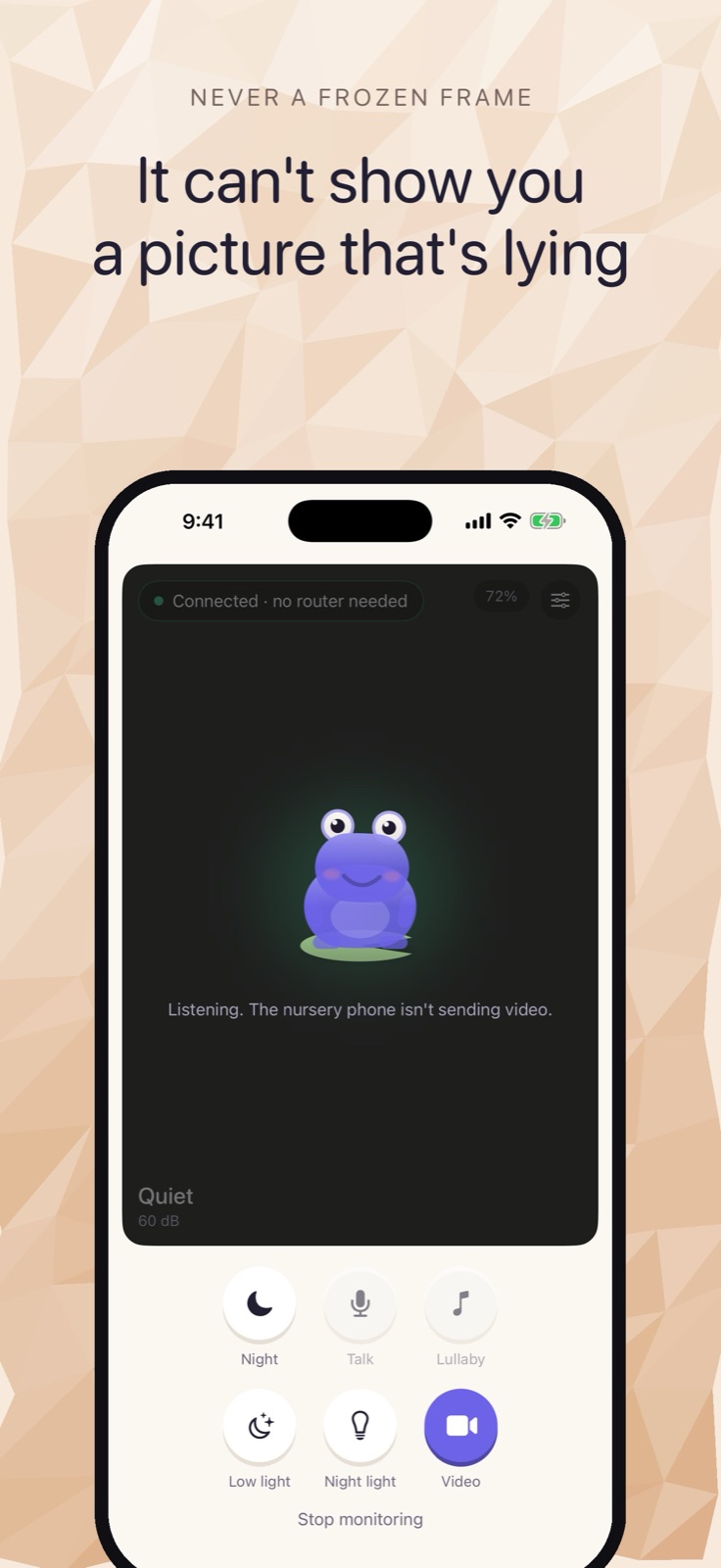
The parent monitor. The frog character appears when the nursery device is paired but not currently sending video.
Cry detection
Cribbit listens for crying on the nursery device using a sound classification model that ships with iOS. It calibrates its alert threshold to the room's own noise floor rather than applying a fixed level, so a white noise machine or ongoing background noise doesn't trigger false alerts. The analysis runs entirely on the nursery device. Nothing is sent to a server.
Nighttime use
The app has an audio-only mode and a dark-screen design for nighttime, so the nursery device doesn't light up the room while it monitors. If you want audio with your own screen off, that requires the one-time unlock — which also adds Picture in Picture, talk-back and lullabies. It's a one-time payment, not a subscription.
One thing to set up before the first night: iOS and iPadOS don't allow any app to use the camera in the background. If the nursery device's screen locks, the video stops. The fix is to set the nursery device's auto-lock to Never while it's in the nursery — a quick change in Settings under Display & Brightness.
Getting started
Cribbit is currently available through TestFlight beta. Live video, audio and alerts are free. The one-time unlock adds background audio, Picture in Picture, talk-back and lullabies.
If your setup is an old iPad in the nursery and an iPhone in your hand, Cribbit is built for exactly that.