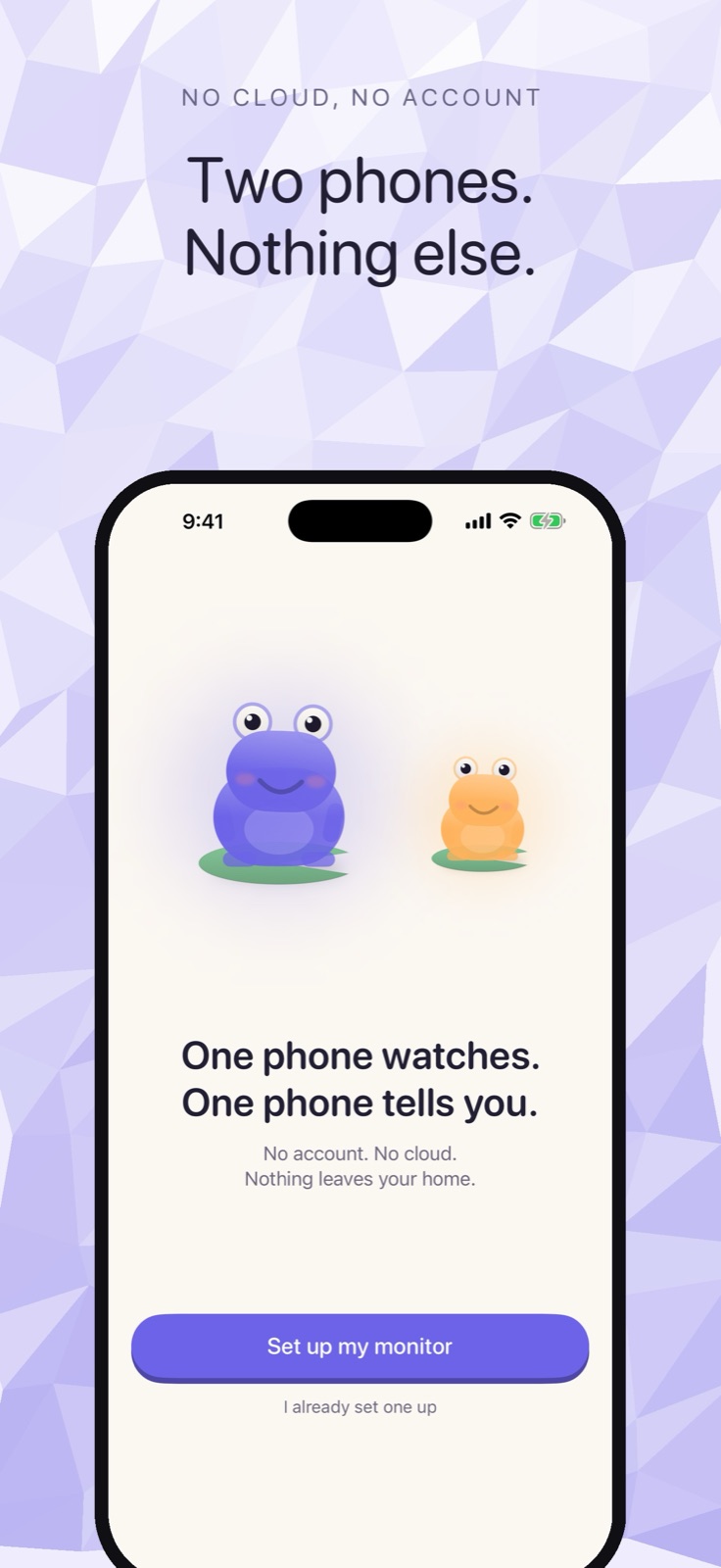
Cribbit started with one question: can two iPhones talk directly to each other, without any server in the middle? The answer was yes, and the core app was running in a day. But several things we thought were built turned out not to be — and only a single question asked after TestFlight revealed the most important one.
The first prompt
The whole premise came from this:
I want to create a baby monitor app for ios devices , should work on bth ipad and iphones , one will be transmitter and one will be reciever , will be great if it can work offline using adhoc wifi networks or wifi without internet or something else that ios provides if there is any use any skills we have if you ewant for the design and planning and building also , no user account needed , no cloud servers, everything should work offline itself, see if there are other products out there like this if you want , do a full research before starting work
Three decisions embedded in that prompt shaped everything that followed: no server, no account, and a genuine peer-to-peer radio rather than a cloud relay. The research that came back from it found Wi-Fi Aware — a direct-connection protocol that ships on every iPhone 12 and later running iOS 26, letting two devices find each other and exchange data without any router, the same radios AirDrop uses. The pairing and streaming architecture was built around that, with a Bonjour-over-home-Wi-Fi fallback for older hardware.
Pairing, audio, video, and the watchdog that reports whether the feed is Live, Stalled or Lost — all of it landed in the first day. Build 1 went to TestFlight by the end of the second.
How the mascot became a status panel
After the core worked, the next push was to make the app feel good: animated onboarding, haptic feedback, nothing alarming. The working name was already taken, so a naming session followed — out of which came Cribbit, and the frogs. The initial mascots were placeholder-level. This prompt pushed harder:
can you use the ios skill and see if we can get better designs for the mascots , this is too plain and simple , i want our app to win app of the day / year etc and be the best in class of the category
That's the prompt that produced the frog characters you see in the app today. They are not decorative. The frog's throat inflates with the room's sound level; its lily pad carries the battery percentage; the ripples around it show signal strength; the whole frog drains to grey when the connection drops. Every piece of technical state has a physical read. The idea that status information should be embedded in the character rather than listed alongside it came from studying best-in-class apps in the category.
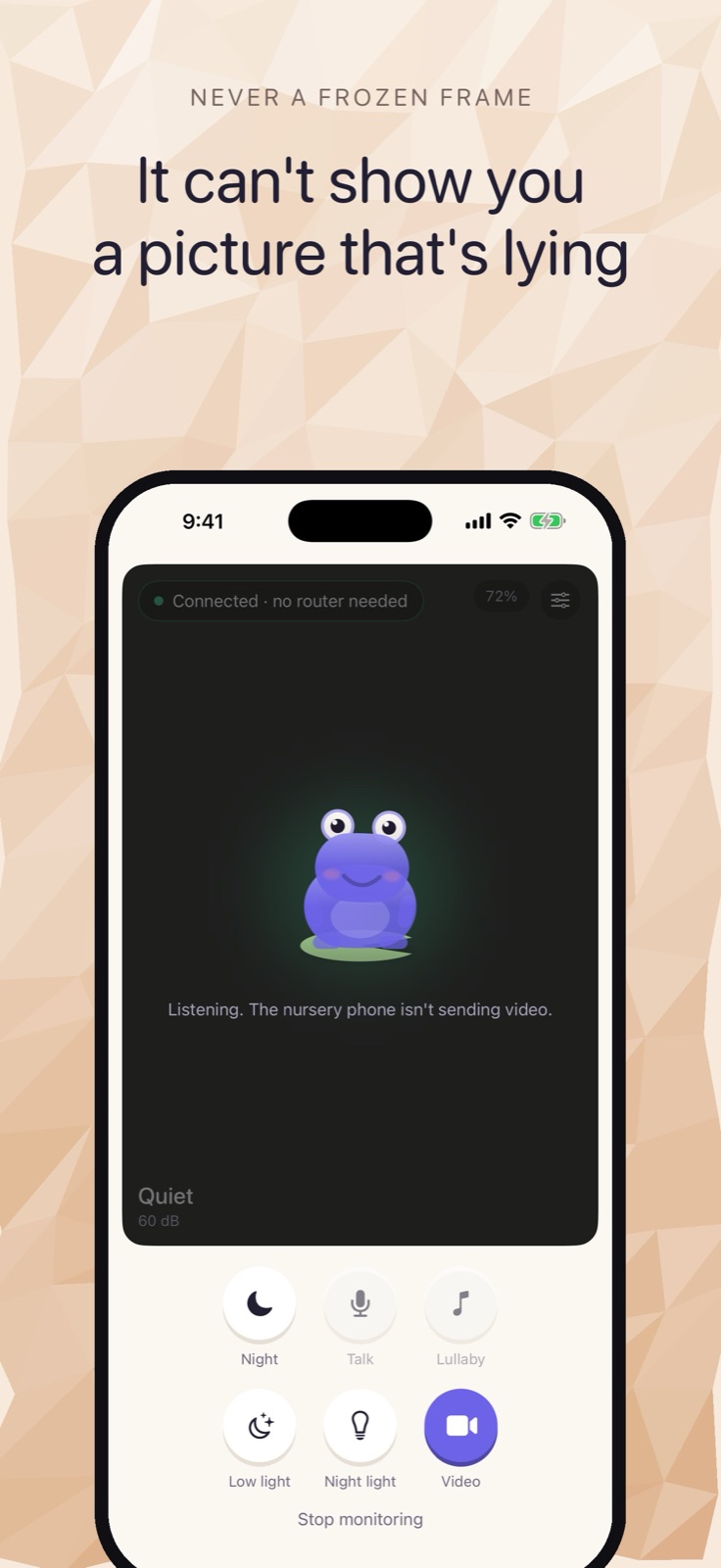 The frog on the parent monitor, with the nursery connected and no video being sent.
When video arrived, there was a temptation to push the frog off the screen and show only the camera. That got reversed: a dark room on a baby monitor is indistinguishable from a broken connection, and the frog is the thing that tells you it is not. It stays in the corner of the live frame and keeps reporting.
The sound classifier, found sideways
The cry detection was not planned in the initial build. Wiring the accelerometer and camera aim into the monitor screen, the research surfaced SoundAnalysis.framework — Apple's on-device classifier, which ships with iOS and includes a model trained to identify infant crying. Nothing leaves the device; the classification runs locally.
The challenge with any classifier in a shared house is false triggers. Rather than shipping a default threshold, Cribbit has a tuning screen: hold it up in the real nursery with the white-noise machine running and move the sliders while watching what the classifier reports in real time.
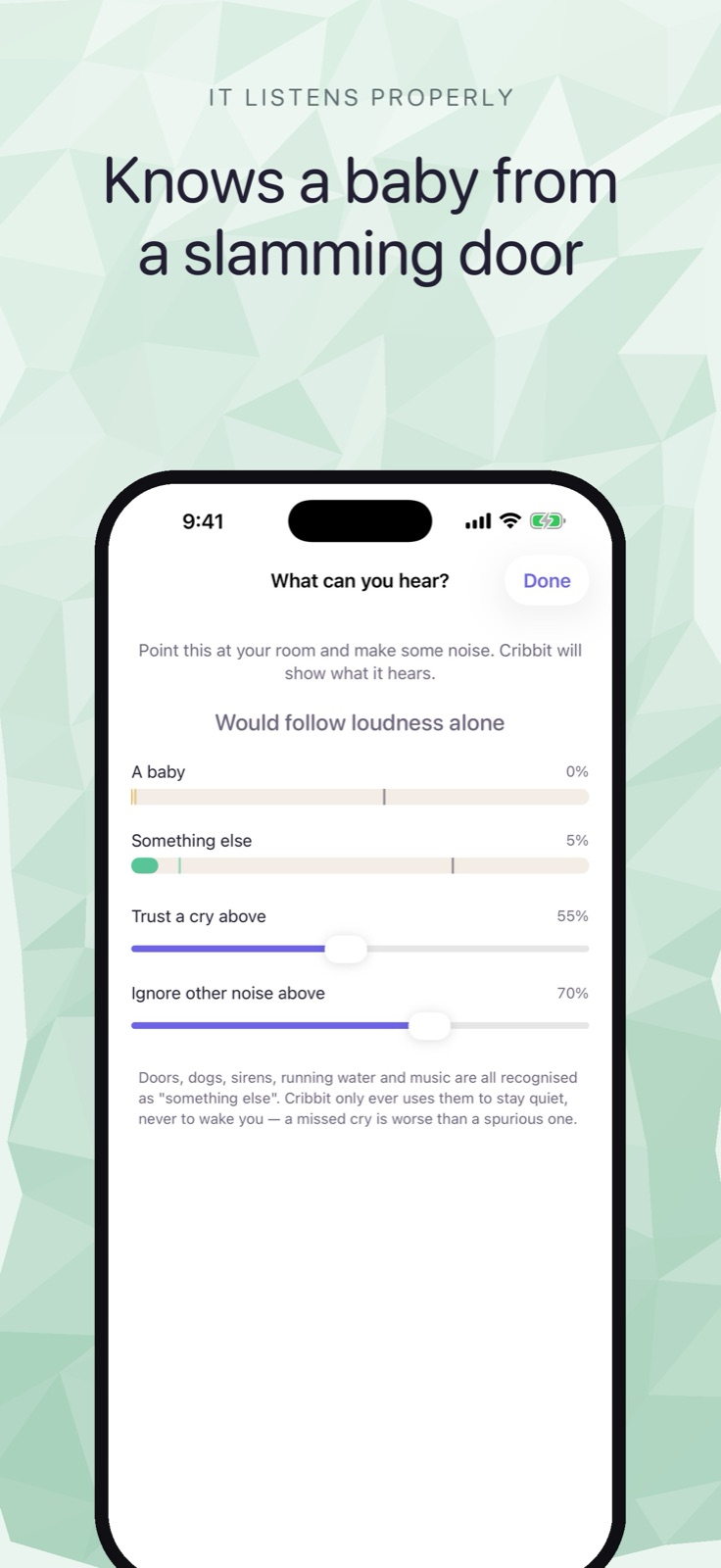 The "What can you hear?" tuning screen, showing classifier output against movable thresholds.
That solved the most common complaint in the baby monitor category — "it keeps alerting for the sound machine" — by making the sensitivity something you can see and set rather than guess.
The question that revealed a gap
After TestFlight, this prompt:
all other feature are done ?
That question prompted a check of the original plan against the code. Four features had never been built. The most significant was encryption.
The transport ran over Bonjour, which is how devices on a local network find each other. It is not encrypted. The nursery feed — video, audio, the pairing code itself — was readable by anything else on the same network. The pitch that "nothing leaves your home" was true at the network boundary and false at the socket level.
The follow-up:
ye sstart working on it create a plan
That session produced a full cryptographic layer. Ephemeral X25519 key exchange, so a past session stays private even if the pairing code ever leaks. ChaCha20-Poly1305 on every frame. The pairing code is folded into the key derivation rather than sent in the clear, so a wrong code produces a clean refusal rather than a link that carries garbage. And a QR-based pairing option alongside the typed code: a six-character code carries about 28 bits, which nobody guesses by hand but which can be ground offline by anyone who captures the pairing exchange on a shared network; the QR square carries 128 bits and closes that path entirely.
Two implementation choices from that session are load-bearing. The channel is scoped to the peer rather than the socket, because the media path can fall back from UDP to TCP mid-session on bad Wi-Fi — a per-socket counter restarting under an in-use key is total failure for ChaCha20-Poly1305, not just degradation. And the channel is a class rather than a struct, because Swift's copy-mutate-writeback pattern would silently drop a counter increment on any early return, and a dropped increment is the same as a reuse.
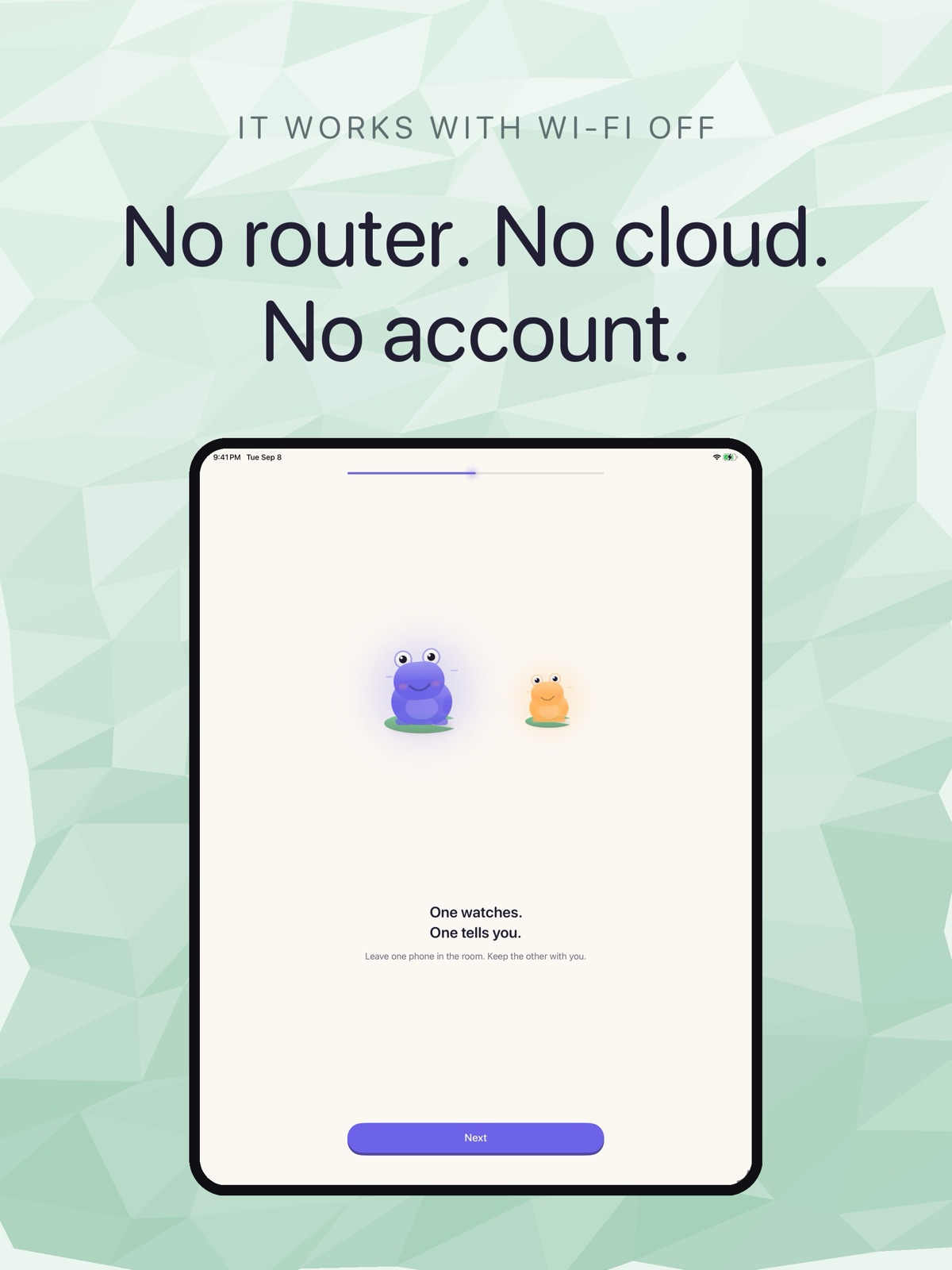 The iPad onboarding screen headed "No router. No cloud. No account."
What the App Store required
App Review came back not with a rejection but a questionnaire. A new account submitting an app with no analytics, no authentication service, no backend — the list of things Cribbit does not do is unusual enough to warrant confirmation. The answers: no third-party SDKs, no server, payment only through Apple. The one that needed stating plainly was encryption, because the custom X25519 handshake is exactly the kind of non-exempt encryption the export compliance rules cover. The plist says ITSAppUsesNonExemptEncryption = true. That answer is an engineer's reading of a legal question and the App Review notes say so.
The iOS version came back rejected, and the TestFlight beta was approved separately. Both outcomes from the same build — which is the normal path when a version is waiting for store review while the beta goes live independently.
Cribbit is in TestFlight. You can join at cribbit.xeve.io.