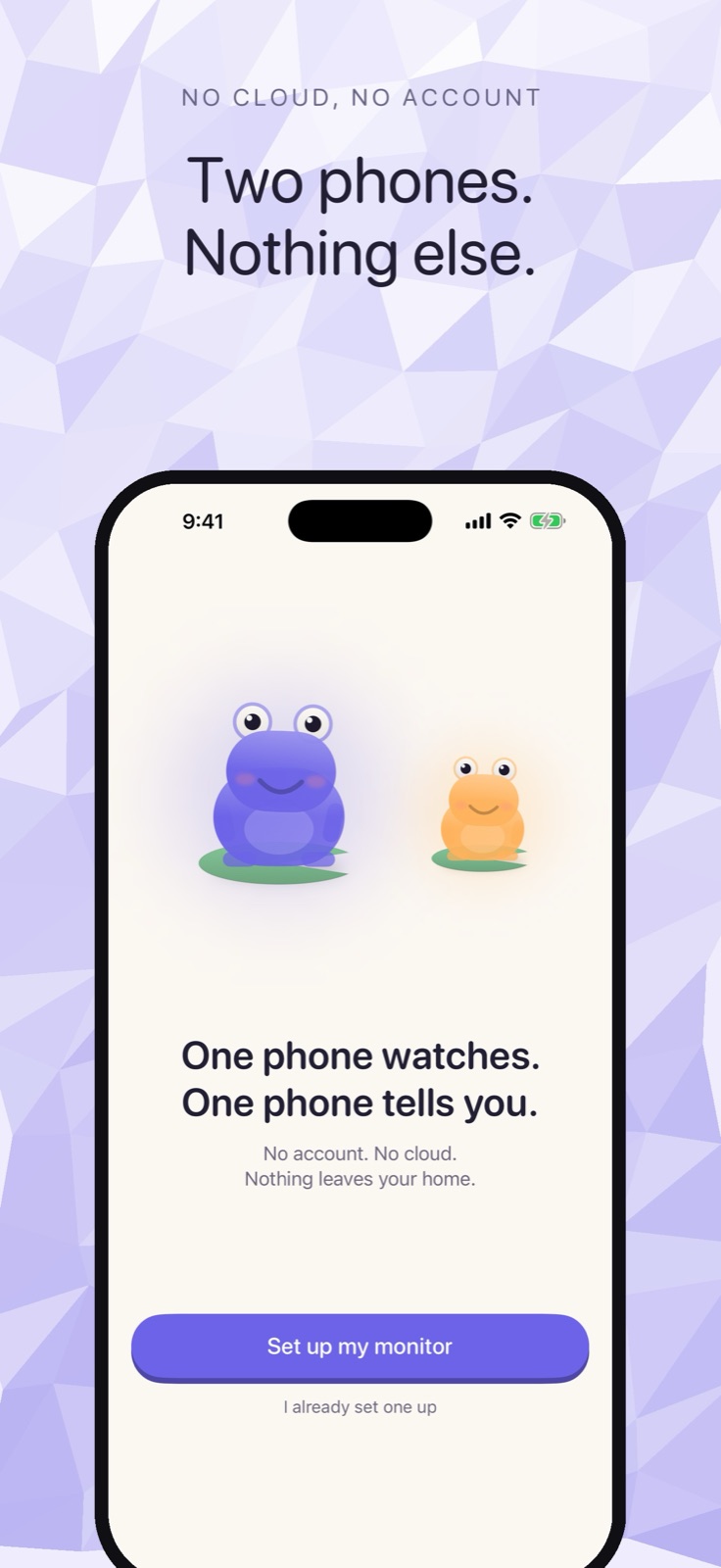
Cribbit works in a hotel room with no hotel Wi-Fi involved. On iPhone 12 or later running iOS 26, the two devices connect directly over Wi-Fi Aware — the peer-to-peer radio that powers AirDrop — with no router, no network, and no account. If you are packing for a trip with a baby, that is the only fact you need.
Why hotel Wi-Fi causes problems for most baby monitors
Most baby monitors rely on a cloud relay: the nursery camera connects to the manufacturer's servers, you open an app on your phone, and the server bridges the two together. That works well at home, where the network is predictable. Away from home, the same model has two failure points: the server — still there, still required — and the hotel's network policy.
Hotel networks routinely block device-to-device traffic. Client isolation — a network setting that prevents one guest's device from reaching another — is standard on large hotel Wi-Fi deployments. Some monitors require specific ports. Some need a 2.4 GHz band that the hotel has merged with 5 GHz under one SSID with no way to separate them. None of that is unusual, and none of it is the hotel's problem to fix.
When the monitor stops working at check-in, you are on your own.
How Cribbit avoids all of that
Wi-Fi Aware is a direct-communication standard built into the Wi-Fi hardware on recent iPhones. The two devices negotiate a connection with each other over the radio — no router, no DHCP, no local network in the path. Your hotel's firewall, its client isolation settings, its network topology: none of it enters the picture. The nursery phone and the parent phone are talking directly, room to room.
Cribbit uses this on iPhone 12 or later running iOS 26. Setup is the same as at home: open the app on both phones, enter a six-character code, and the stream starts. You do not need to be on the same network, because there is no network in the path.
What to pack
The only things you need are two iPhones, a charger for the nursery phone, and the Cribbit app on both. No hub, no dedicated camera, no subscription to check before you leave. Cribbit has no account, so there is nothing to log into when you arrive.
The six-character pairing code is generated fresh for each session, so even if you used Cribbit last week, you will pair again with a new code tonight. That is also how the encryption works: a session key is generated at pairing, lives in memory, and disappears when you close the app. Nothing is stored from the previous session that could be used against this one.
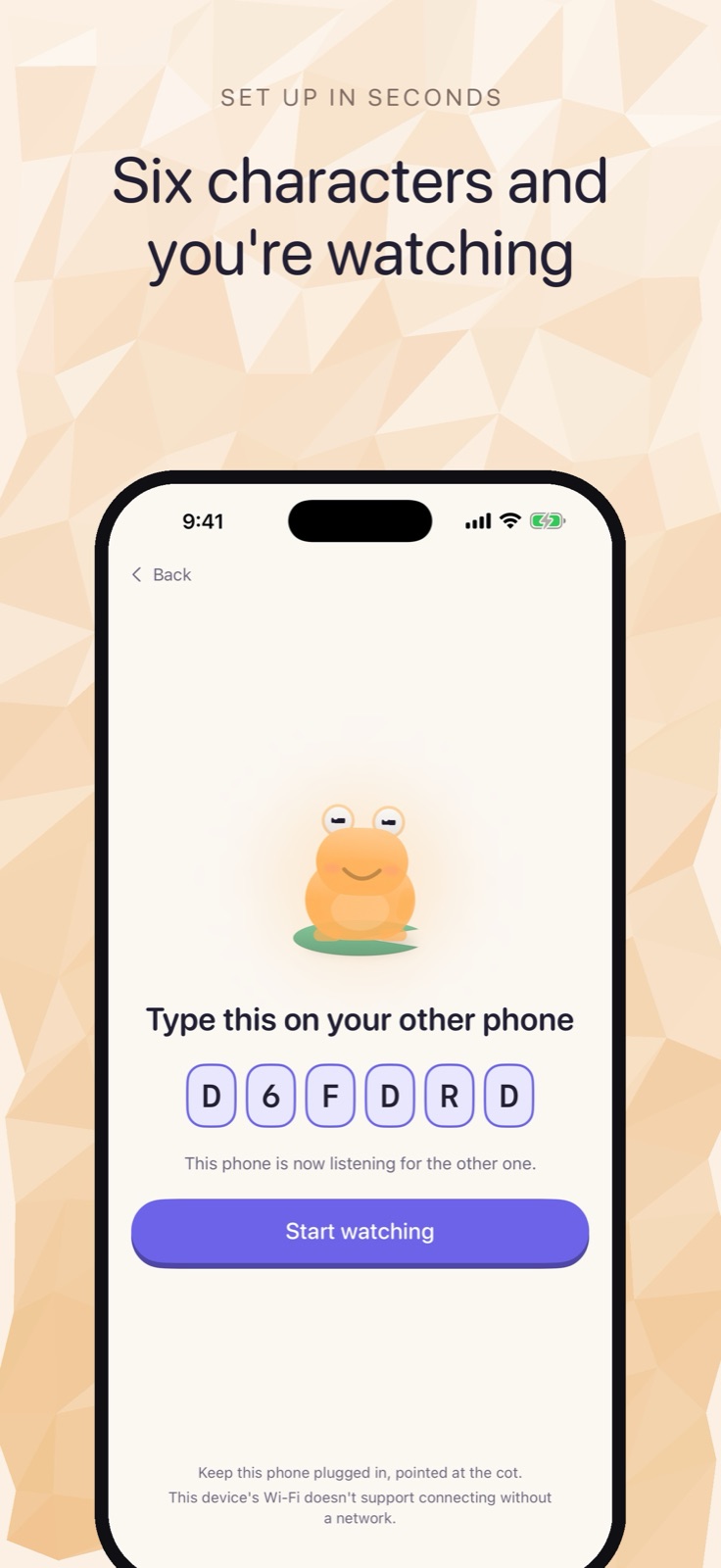 The code is new every session. Type it on the other phone and monitoring starts.
One real limitation to plan around
iOS does not allow apps to use the iPhone camera while running in the background. The nursery phone has to stay on with Cribbit in the foreground and the screen awake. That means plugging it in, because a phone that stays lit overnight will drain. It cannot be the phone you might need for something else in the middle of the night.
This is a platform constraint, not a Cribbit choice. It applies to every baby monitor app on iPhone equally. Keeping a spare phone as a dedicated nursery device — whether at home or traveling — is a natural approach when the nursery phone needs to stay awake and out of rotation.
The parent phone has no such constraint. The paid unlock adds background listening, so the parent phone receives nursery audio and alerts with the screen off, locked, or while you use other apps. If you plan to put your phone face-down on the hotel nightstand and sleep, that is the feature that makes it practical.
How the noise floor works in a different room
Hotel rooms vary, and a smaller room places the nursery phone closer to you than your own nursery at home. Cribbit's cry detection runs entirely on the nursery phone — no audio is sent to any server — using a sound classifier that ships with iOS. The tuning screen lets you see in real time what the classifier hears and set the sensitivity for that specific room. A quieter room than you are used to will have a different noise floor; the tuning step accounts for it.
Live, Stalled or Lost — the feed status Cribbit shows at all times — works the same in a hotel as at home. Every frame the nursery phone sends carries the moment it was captured. The parent phone checks whether those timestamps are advancing; if they stop, you see Stalled rather than a frozen picture that looks fine.
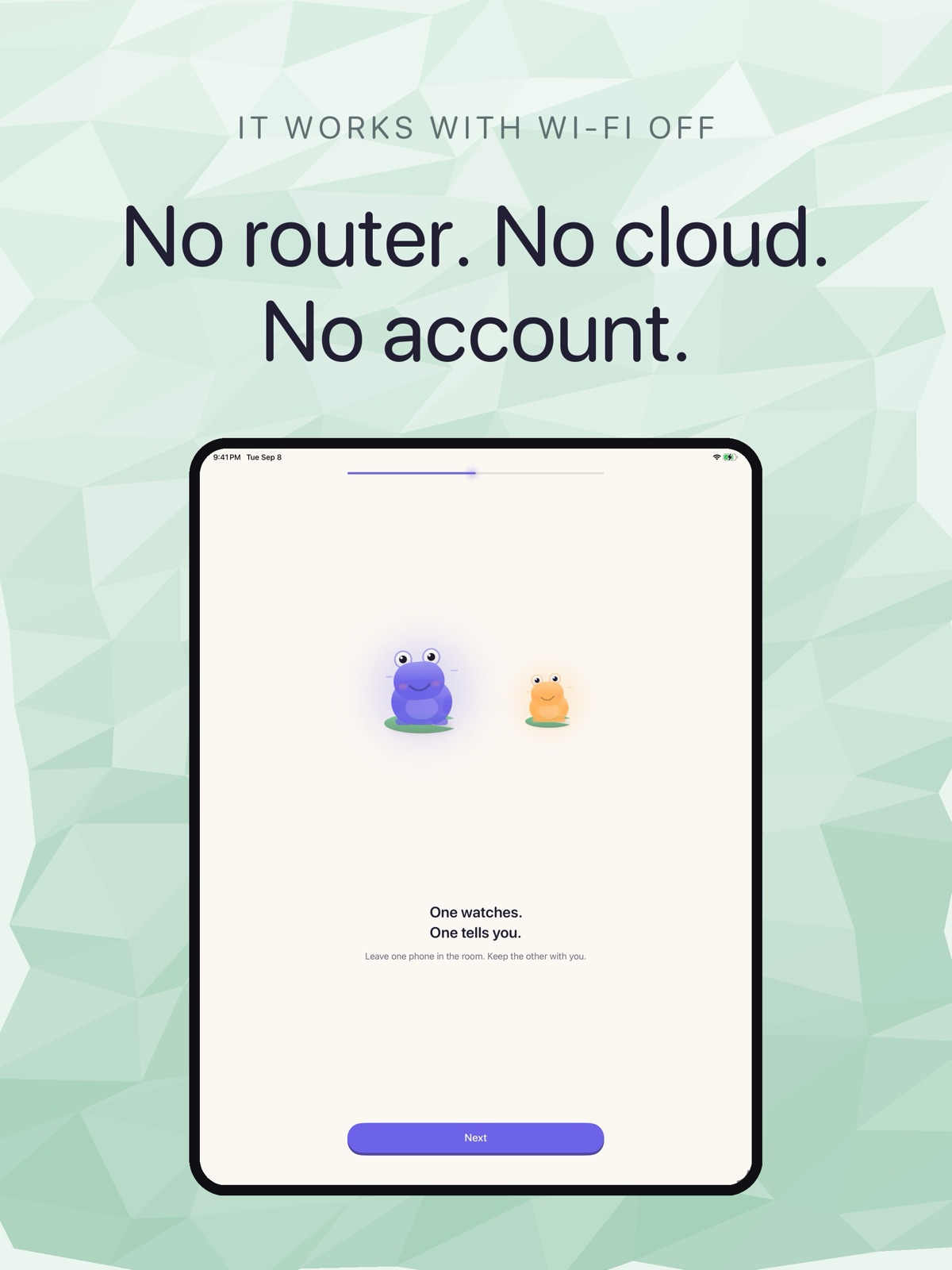 Three things that stay true in a hotel: no router required, no cloud in the picture, no account needed.
If your iPhones are older
Wi-Fi Aware requires iPhone 12 or later running iOS 26. On older hardware or an earlier iOS version, Cribbit falls back to home Wi-Fi — both devices connect over the local network without an internet connection. That path works reliably on a home router. On hotel Wi-Fi with client isolation, it may not work: the devices would need to reach each other on the same network segment, and many hotel networks prevent that.
If both phones are older than iPhone 12, the cleanest option for hotel use is a mobile hotspot. Turn on a hotspot from one phone, connect the other to it, and run Cribbit over that local network. The hotspot carries only the traffic between the two devices — no internet connection is needed — and keeps the monitoring entirely off the hotel network.
Try it before you travel
Cribbit is in TestFlight beta. A night at home is the right time to learn the nursery phone's power habits and tune the cry detection for a quiet room before you pack it for a trip. You can join and read more at cribbit.xeve.io.