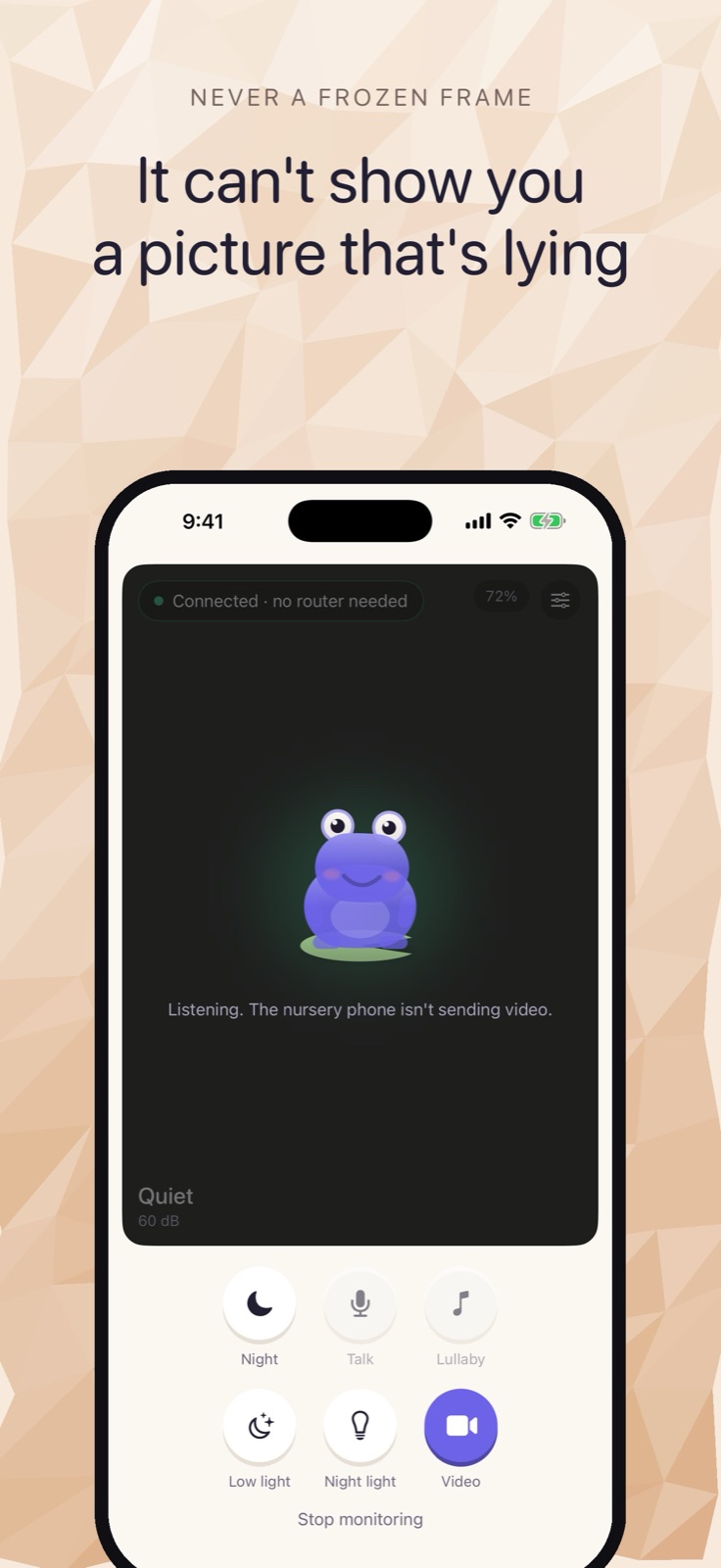
Most baby monitors send your nursery video to a server you don't control. Cribbit doesn't. It streams video and audio directly from one iPhone to another, with no cloud, no account, and no internet connection.
That's the whole premise, and it changes a lot about how the app works.
Two phones, one connection
Cribbit needs two iOS devices: one stays in the nursery, one stays with you. Setup takes about a minute — open the app on both, enter a six-character code, and that's it. No account creation, no email address, no server to log into.
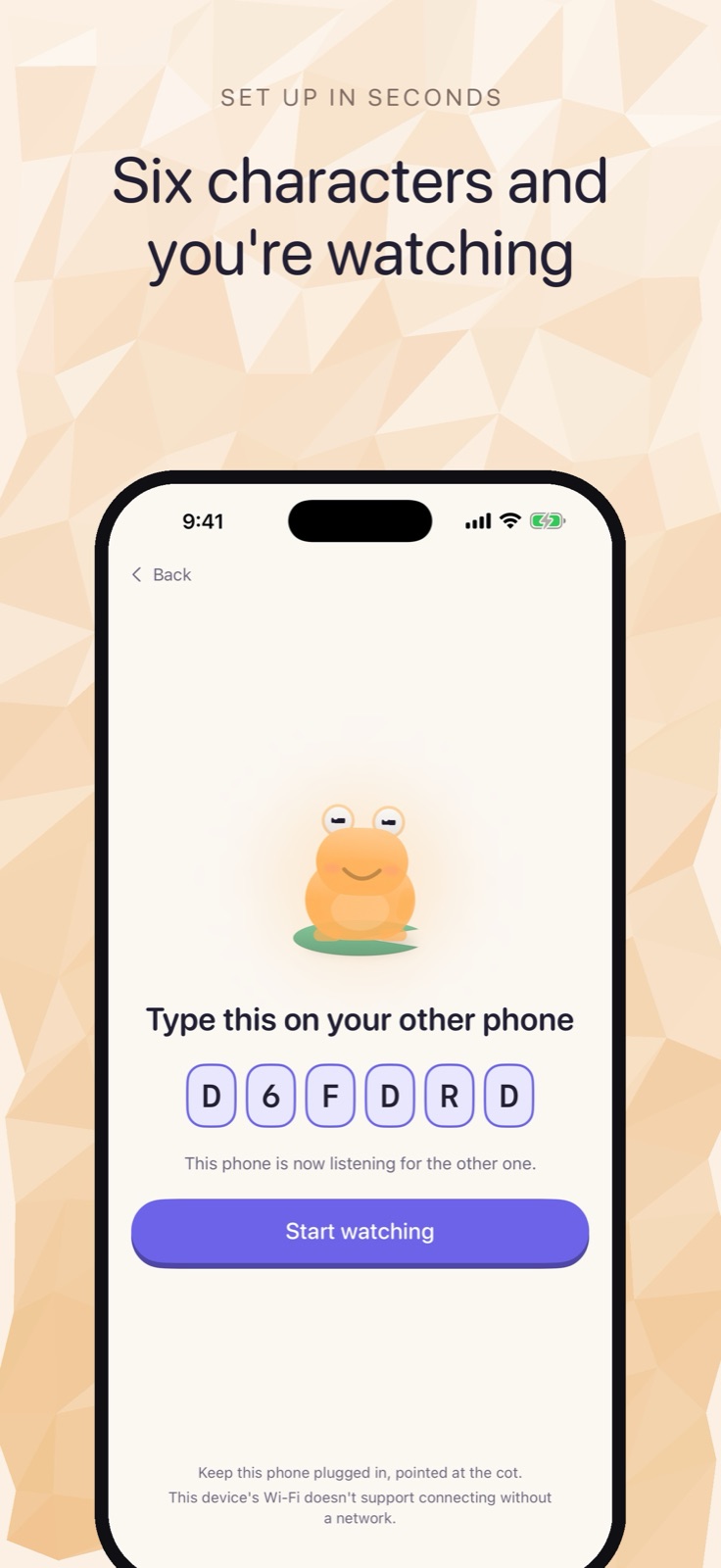 Pairing: a six-character code, typed on the other phone.
On iPhone 12 and later running iOS 26, the two devices connect over Wi-Fi Aware. Wi-Fi Aware is a peer-to-peer radio protocol that lets nearby devices find each other and exchange data directly — the way AirDrop works — but without any router in the middle. The stream goes from your nursery phone's camera to your phone's screen without touching a router. If both devices are on older hardware or an earlier iOS, Cribbit falls back to your home Wi-Fi, but still without an internet connection. The traffic stays on your local network. The nursery feed doesn't leave your house.
The frozen picture problem
Commercial baby monitors have a quiet failure mode: the picture freezes, and you can't tell whether the room is still calm or whether the feed died ten minutes ago.
Cribbit addresses this with a specific mechanism: every frame carries the moment it was captured. Your phone isn't just playing back video; it's checking whether the timestamps are advancing. If they stop, the app tells you. The status shows Live when frames are arriving and timestamped normally, Stalled when the timestamps stop advancing, and Lost when the connection drops. A stalled feed looks visually different from a live feed, and you know it immediately rather than wondering.
A frozen screen is a worse failure than a black one, because a black one obviously needs your attention.
On-device sound
Cry detection runs on the device in the nursery, using a model that ships with iOS. Nothing is sent to a server for analysis.
The app doesn't alert on any loud noise. Cribbit learns the room's own noise level — what quiet actually sounds like in that specific room — and alerts when something breaks that baseline in the right way and for long enough. A door closing in the hallway doesn't trigger it. A white-noise machine doesn't confuse it. A cry that persists does. The status bar shows decibels, but it shows connection status first. Knowing that the room is loud is less useful than knowing whether that loudness needs you.
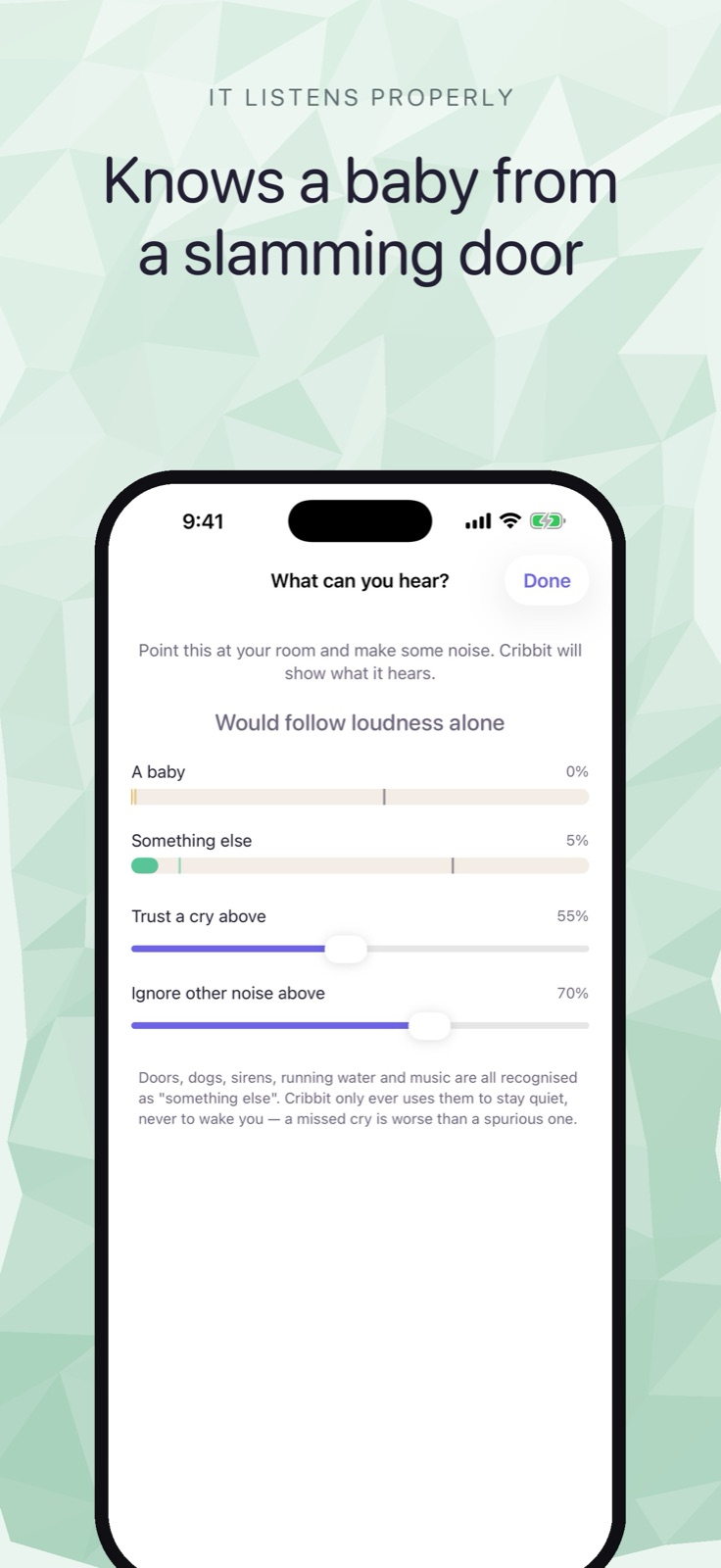 The "What can you hear?" screen, where the sound classifier is tuned.
What the encryption means
The stream is encrypted with a key that exists only for that session. It's generated when the two devices pair, lives in memory, and is gone when you close the app. No copy goes to a server.
This isn't a restatement of "we use HTTPS." There is no server in the picture, so there's no server-side key that could be exposed, breached, or handed to someone else. Cloud-connected baby monitors carry a threat model many parents haven't thought about: a company's server holds your nursery feed, protected only by whatever the manufacturer does to secure it. Credentials get reused, servers get breached, and feeds get exposed. Cribbit removes that surface by removing the server.
What's free, and what costs extra
Live video, live audio, and alerts are free. The paid unlock adds background listening so you can hear the room with your screen off, Picture in Picture so the feed stays visible while you use other apps, talk-back so you can speak into the room from the parent device, and lullabies for every device in the family.
It's a one-time payment, not a subscription.
Requirements and where to get it
Cribbit requires iOS or iPadOS 17 or later on both devices. The direct Wi-Fi Aware connection — no router needed — requires iPhone 12 or later running iOS 26. On older hardware the local Wi-Fi fallback applies.
The app is in TestFlight beta. You can join and read more at cribbit.xeve.io.
One thing it cannot do
iOS doesn't allow apps to use the iPhone camera while running in the background. The nursery phone needs to stay on with Cribbit in the foreground. If the screen locks or the app is backgrounded on the nursery side, the stream stops.
The app is clear about this rather than hiding it. It's a real constraint — iOS enforces it, and no baby monitor app on iPhone can work around it. Some households use a spare or dedicated device in the nursery for this reason. The paid unlock includes background listening on the parent side, so you can put your own phone down and still hear the room, but the nursery phone stays active.
It's the honest version of an offline monitor: it does what the platform actually allows, and it tells you what it doesn't.