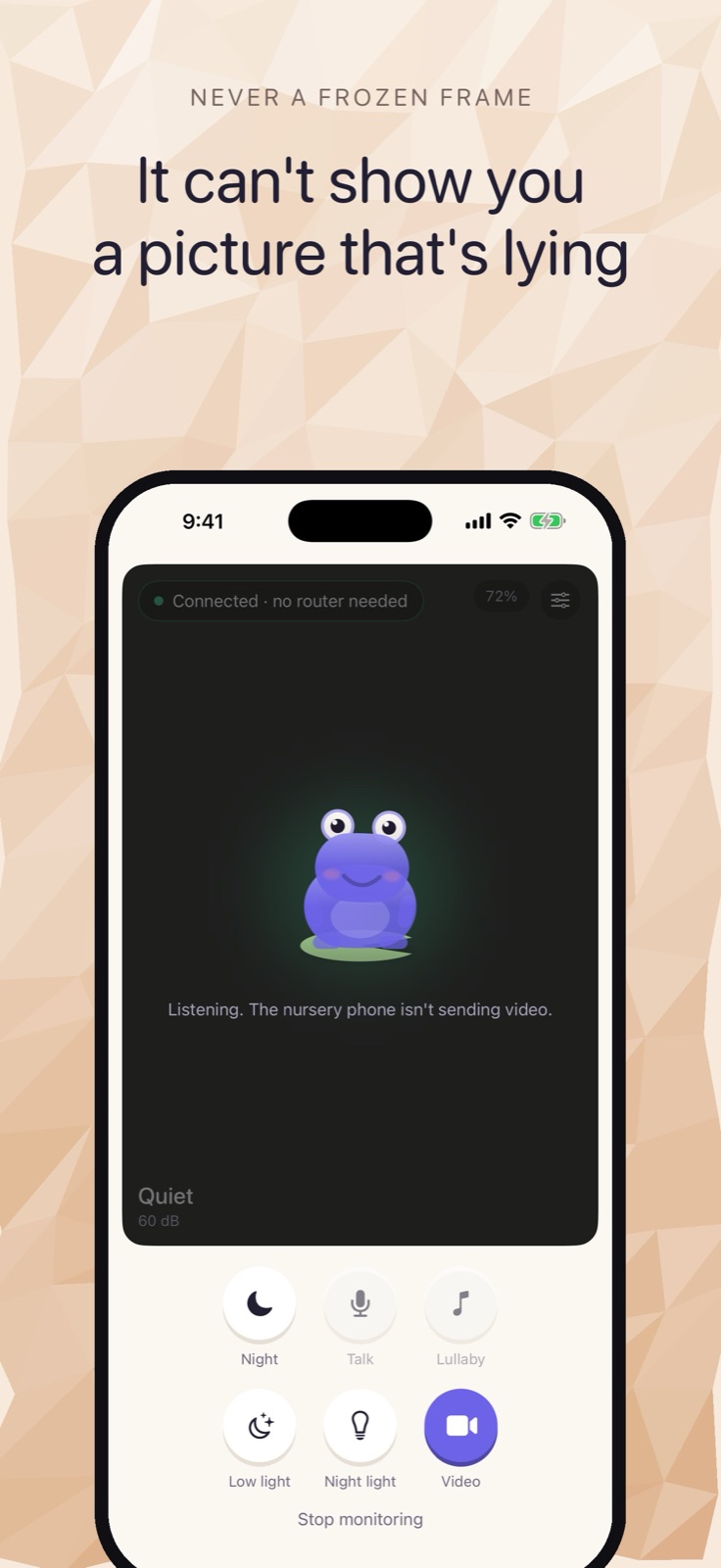
Cribbit's core monitoring — live video and audio, cry detection, and end-to-end encryption — is free. One optional payment unlocks four features: background listening with the screen off, Picture in Picture, two-way talk-back, and lullabies on every device your family uses. This post explains what each one actually does and when it matters.
What comes free
The free version is a complete baby monitor. Two iPhones pair with a six-character code, and the nursery phone starts streaming to the parent phone immediately.
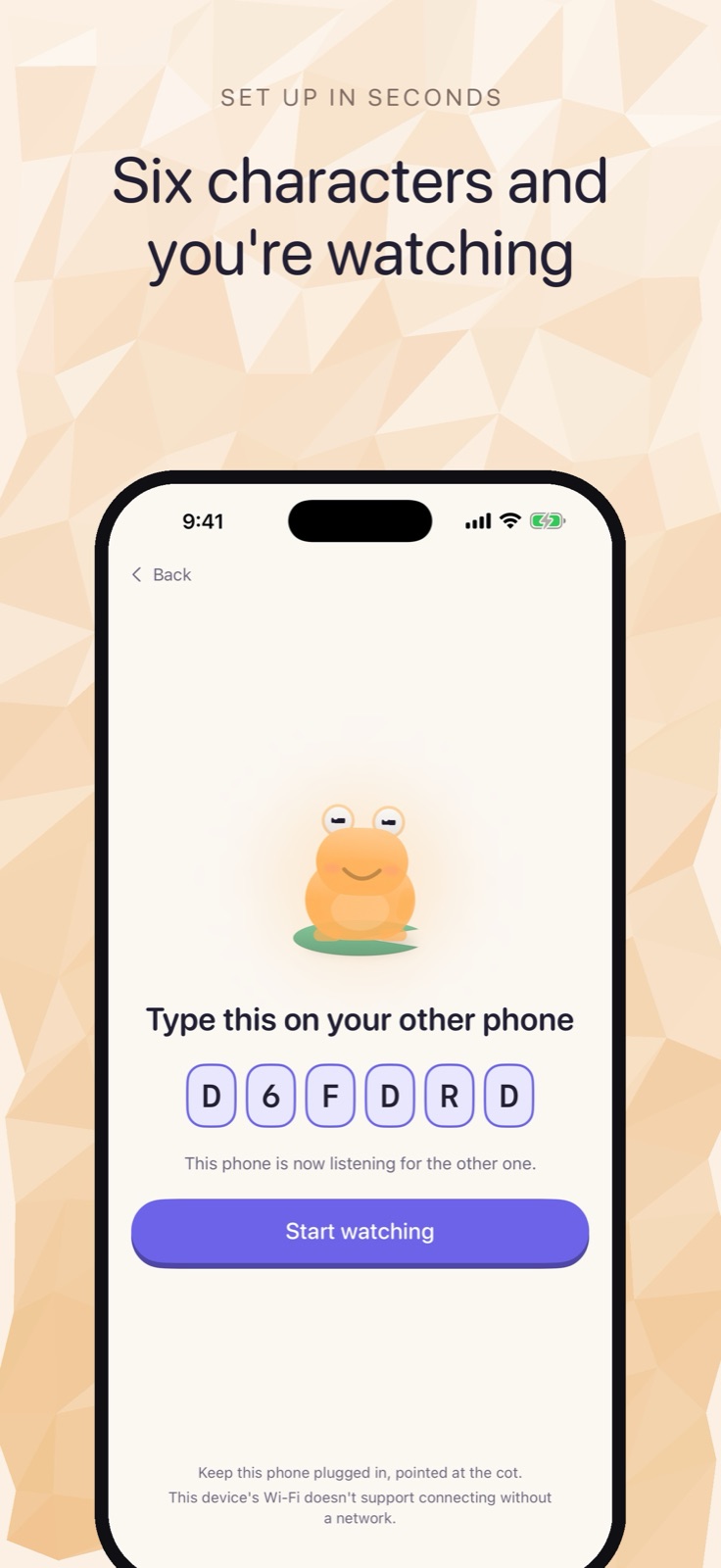 Pairing takes about a minute: a code on one phone, typed on the other.
No account is needed. No cloud server handles the connection. On iPhone 12 and later running iOS 26, the two devices connect directly over Wi-Fi Aware — the same peer-to-peer radio behind AirDrop — with no router in the path. On older hardware or an earlier iOS, Cribbit falls back to your home Wi-Fi, still without an internet connection.
Cry detection runs on the nursery device, using a model that ships with iOS. The app learns the room's noise floor before it starts alerting, so a white-noise machine or a door slamming in the hallway doesn't trigger it. The monitor shows Live, Stalled or Lost at all times, not just when something changes — a stalled feed is visually different from a live one, which turns out to matter when you're watching for several minutes at a stretch.
The stream is encrypted with a key generated fresh at pairing and gone when you close the app. None of that costs anything.
Background listening
The most useful thing in the paid unlock is background listening on the parent phone.
iOS doesn't allow apps to use the iPhone camera in the background. This is a platform constraint that applies to all baby monitor apps, not only Cribbit. What iOS does allow in the background is audio — and that's what background listening gives you. The parent phone keeps receiving the nursery audio and alerts with the screen off, locked, or while other apps are in use.
In practice this means you can set your phone face down on the nightstand. You don't have to stay in the app or keep the screen on to hear the room. The nursery phone still has to stay awake with Cribbit in the foreground — iOS enforces that on the camera side and no app can work around it — but the parent device no longer needs any special handling.
Background listening is what turns Cribbit from a monitor you use while holding your phone into one you can sleep next to. If you try the free version and find yourself unable to put the phone down, this is the feature that fixes it.
Picture in Picture
Picture in Picture keeps a floating nursery window visible while you use other apps on the parent phone.
Background listening is for when the phone is in your pocket. PiP is for when you're actively using it. Open a message, check the weather, browse anything — the nursery feed stays in the corner, and tapping it brings Cribbit back to full screen.
The frog character that carries the connection status — battery level in the lily pad, signal strength in the ripples, the inflating throat for sound — stays readable at the smaller PiP size. Knowing the connection is healthy doesn't require you to be in the app.
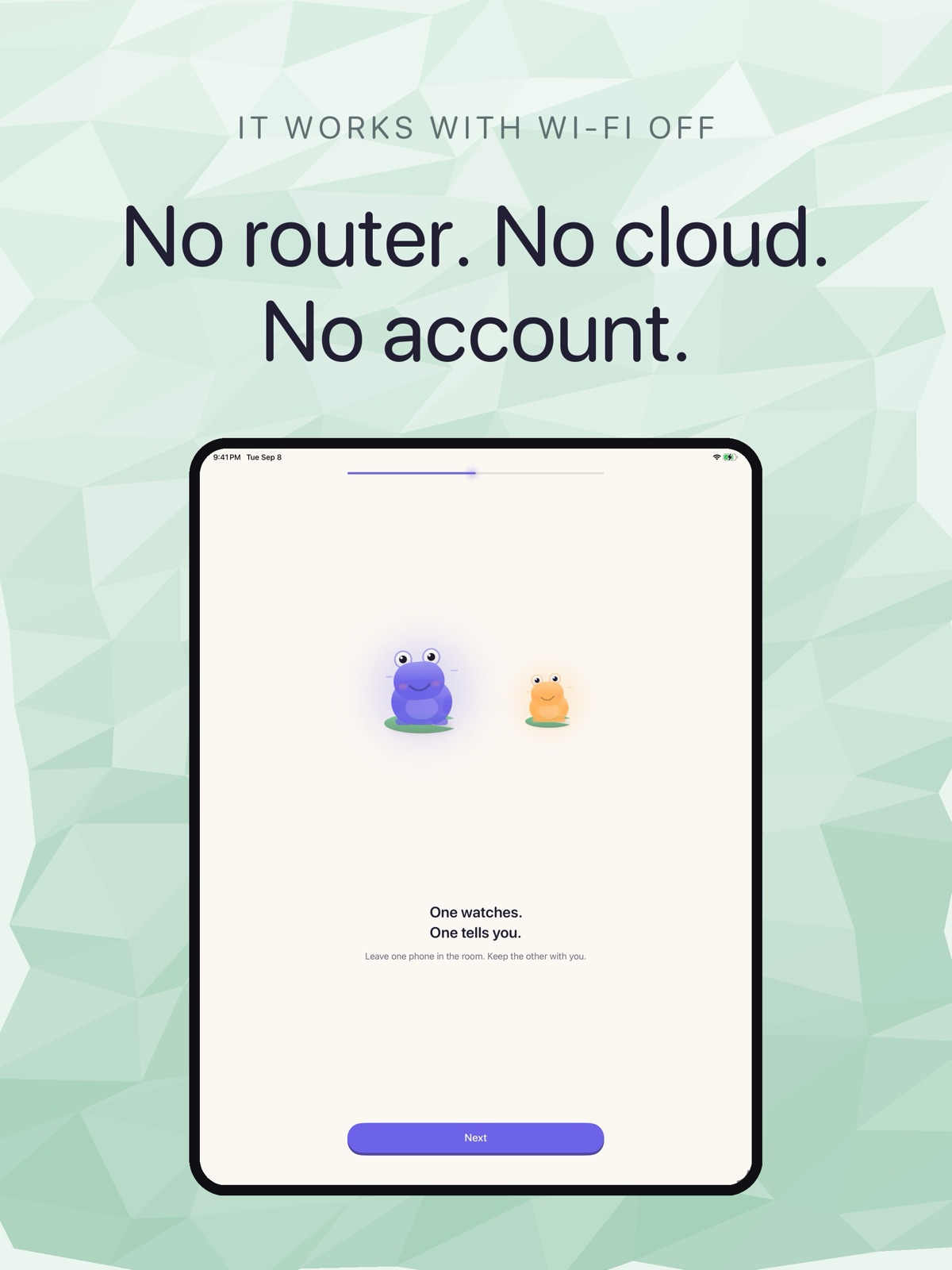 iPad onboarding screen headed "No router. No cloud. No account."
Talk-back
Talk-back lets you speak from the parent phone into the nursery through the nursery device's speaker.
Hold the button, say something, and the audio plays in the room. Nothing is recorded. It's a live, one-way voice channel you open and close manually; the nursery audio continues coming through to you when you're not transmitting.
The use case is narrow but specific: you hear something, check the feed, decide it doesn't need you physically in the room, and want to say something softly from where you are. Whether a particular baby responds to a familiar voice through a speaker at two in the morning is a question only the baby can answer, but the capability is there.
Lullabies
Lullabies plays audio through the nursery phone's speaker, started and controlled from the parent phone.
You choose a sound, it plays in the room, and you can stop it remotely. There's no walking in to turn a sound machine on. For households that already have a dedicated sound machine, this is probably the optional of the four paid features. For those that don't, it's a useful addition that needs no extra hardware.
One payment, not a subscription
Wireless baby monitors have drifted toward monthly fees. Cloud-connected devices carry ongoing costs: a server receives every frame from the nursery around the clock, stores it, and makes it available through an app. That infrastructure has a real monthly price, and the subscription model reflects it.
Cribbit's design removes that cost from the picture. There is no server. The nursery stream goes directly from one device to the other, and nothing is stored. With no recurring infrastructure to sustain, the app can offer its core features free and charge once for the extras.
The one-time unlock covers every device your family uses. Pay once and the features are there on whichever phone or iPad you pick up.
Where to start
The free version is a working baby monitor on its own. Try it for a night. If you find yourself unable to put the parent phone down, background listening is the one paid feature that changes that.
Cribbit is in TestFlight beta. You can join and read more at cribbit.xeve.io.